All IFC guides
Filter by topic, reading time or keyword. Newest articles appear first.
3D Sketching Online: Draw in 3D Space with a Pen or Finger, in the Browser
A 2D sketch shows one view. Here each line keeps its place in space, so you can turn the idea round and keep drawing from the new side. Turn and draw on the live example, with nothing to install.

Sketch Over an IFC Model in 3D: Redlines and Ideas That Stay Where You Drew Them
A marked-up screenshot works from one angle only. Sketch on the model itself and the redline stays on the corner it refers to, from every side. Try it on the live example, then with your own IFC.
Sketching a Digital Twin Before You Build It: Bridges, Sensors and Flood Lines in 3D
Most twin projects begin with a diagram of boxes that nobody can place on the asset. Draw the idea in space instead: which gauge, which span, how far the water reaches. Turn the live bridge and city, and add to them.

An IFC and 3D Model Viewer for iPhone Duo, Galaxy Z Fold and Z Flip: Split Screen, No App
A viewer built for one screen treats a foldable as a big phone and runs the model straight through the hinge. This one reads the screens your browser reports and gives each a job. Check what it does on your device, then open a sample model.

How to Embed a Shipment Tracking Map on Your Website: WordPress, Shopify, SharePoint and Taobao
Suppliers and forwarders can show customers where goods are, on their own site, without a map API key or a backend. Here is what goes in on each platform, what it costs the page, and where the honest answer is no.
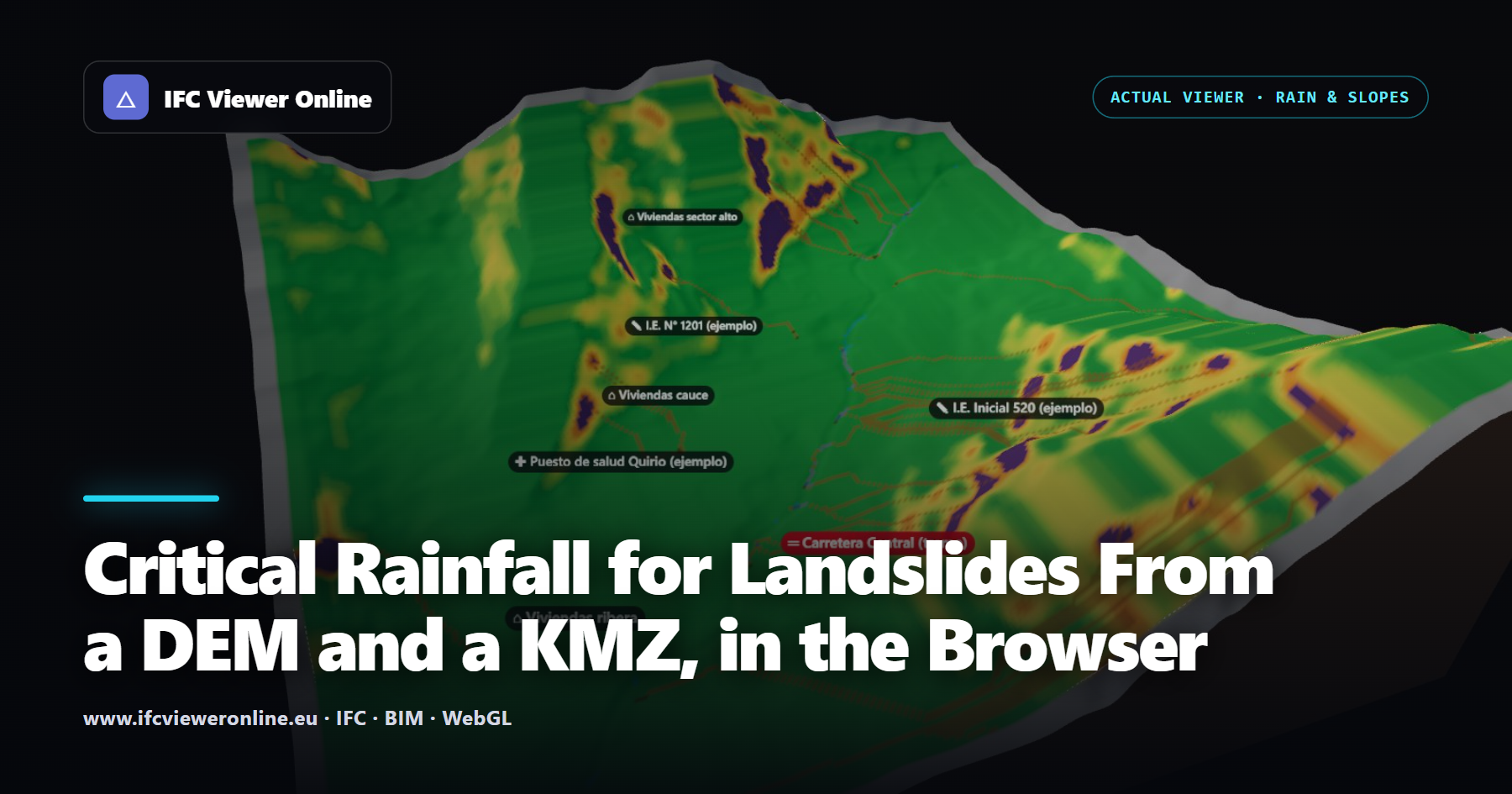
Critical Rainfall for Landslides From a DEM and a KMZ, in the Browser
How much rain does it take for a slope above a school to fail? From a terrain model and a KMZ of the study area, the browser computes runoff, the probability of shallow landslides and the likely path of a debris flow as a storm goes on, and gives every home, school, health centre and road its critical rainfall.

Check Clearances in an IFC Model: Corridors, Doors, Headroom and Ramps, with Pass or Fail
A design review rarely asks "how wide is this corridor?". It asks "is it at least 1.20 m?". Attaching the requirement to the measurement — and seeing pass or fail on the label, in the screenshot and in the export — turns a dimension into a check somebody can act on.
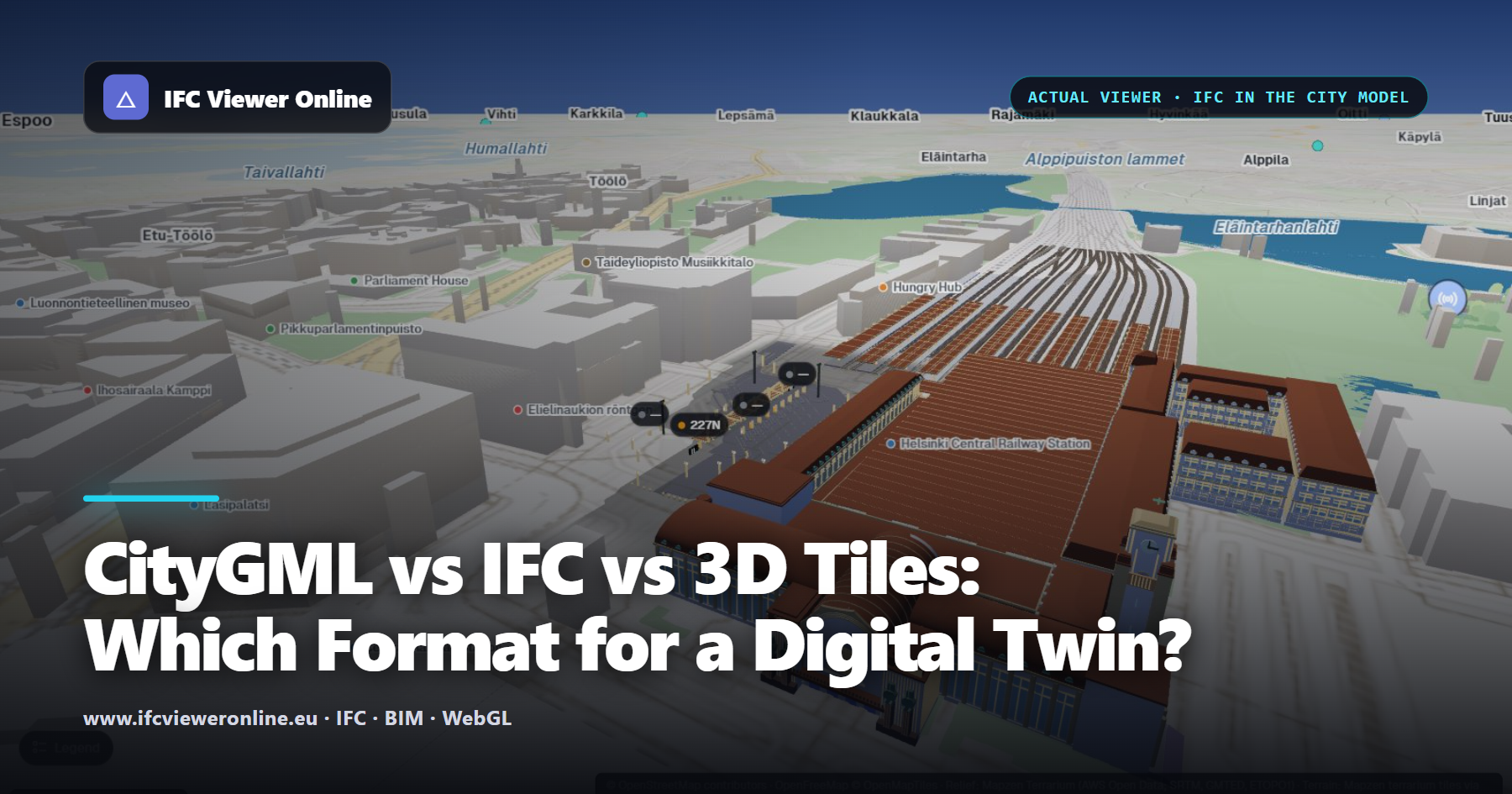
CityGML vs IFC vs 3D Tiles: Which Format for a Digital Twin?
Three formats keep coming up when a digital twin reaches city scale, and they are often compared as if they competed. They do different jobs: CityGML describes the city as objects, IFC describes one asset element by element, and 3D Tiles delivers either to a browser in pieces.
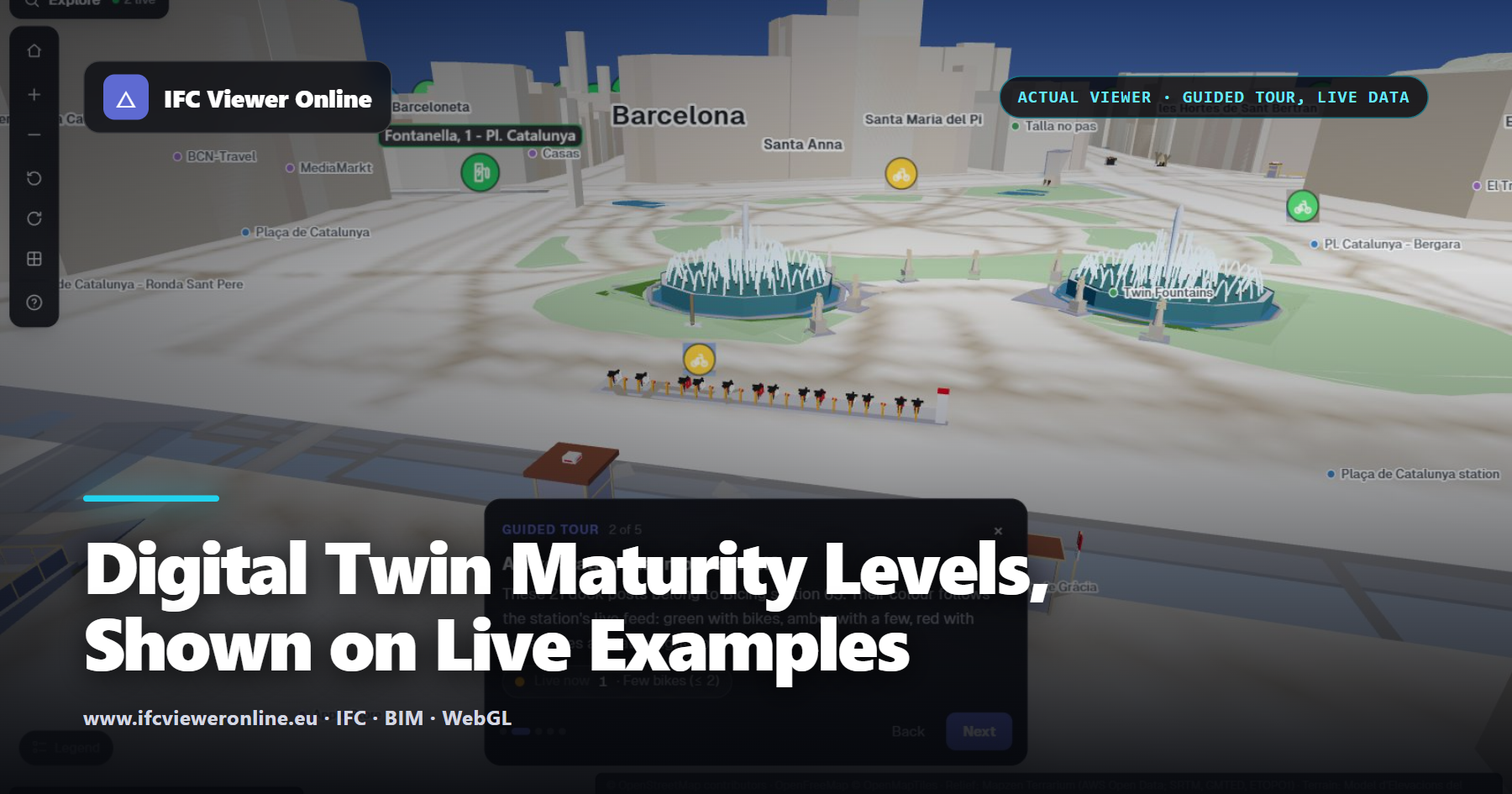
Digital Twin Maturity Levels, Shown on Live Examples
Descriptive, informative, predictive, comprehensive, autonomous: the five levels most maturity models use. Each one shown on a real, open example, and where an example does not reach a level, it says so. Plus how to tell which level a project actually needs.
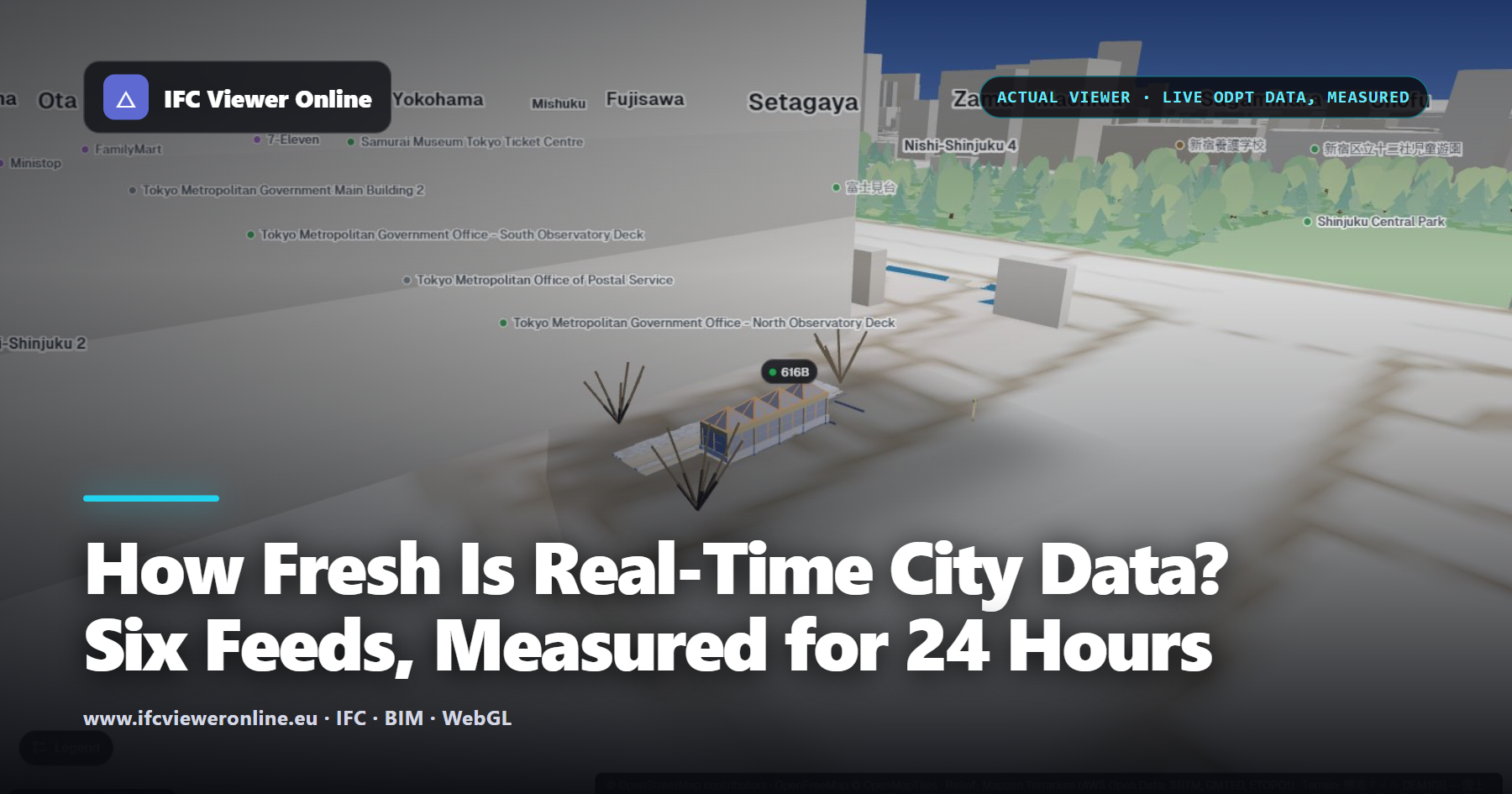
How Fresh Is Real-Time City Data? Six Feeds, Measured for 24 Hours
"Real-time" says nothing about how old the data is when it reaches you. We logged six public feeds that live digital twins read, for 24 hours, and measured the age of every vehicle and station in them. The answer ranges from under a second to a minute and a half, and the feed's own timestamp can hide it.

Quantity Takeoff from an IFC Model, in the Browser: Net, Gross and the Elements That Have No Quantities
An IFC usually carries its own quantities — NetSideArea, GrossVolume, Length — but adding them up naively counts every wall twice and hides the elements that have none. How to take off a selection so the total is one you can price, and how to tell when it is not.

Volumes from an IFC Model: Concrete, Screed, Excavation and Room Air Volume
Many volume questions on a project are one area times one height: the screed on a floor, the dig under a pit, the air in a room for an air-change rate. When the model has no quantity for it — or the thing is not modelled at all — tracing the area and giving it a height gets the number in seconds.
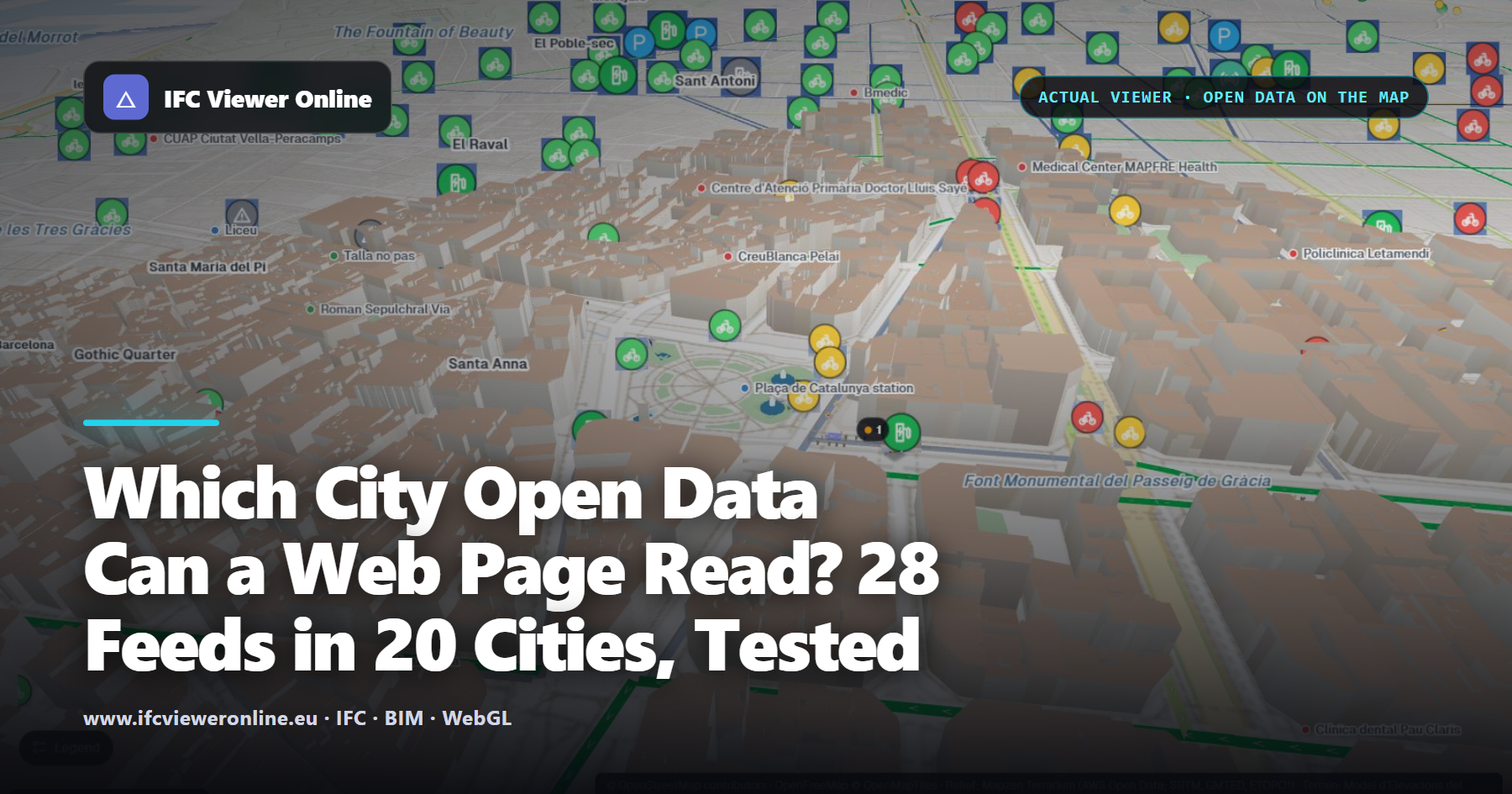
Which City Open Data Can a Web Page Read? 28 Feeds in 20 Cities, Tested
A digital twin that runs in the browser can only use data a web page is allowed to read. We requested 28 public feeds in 20 cities exactly as a browser would and recorded which ones answer. 25 do. Here is the list, what blocks the other three, and the data to download.
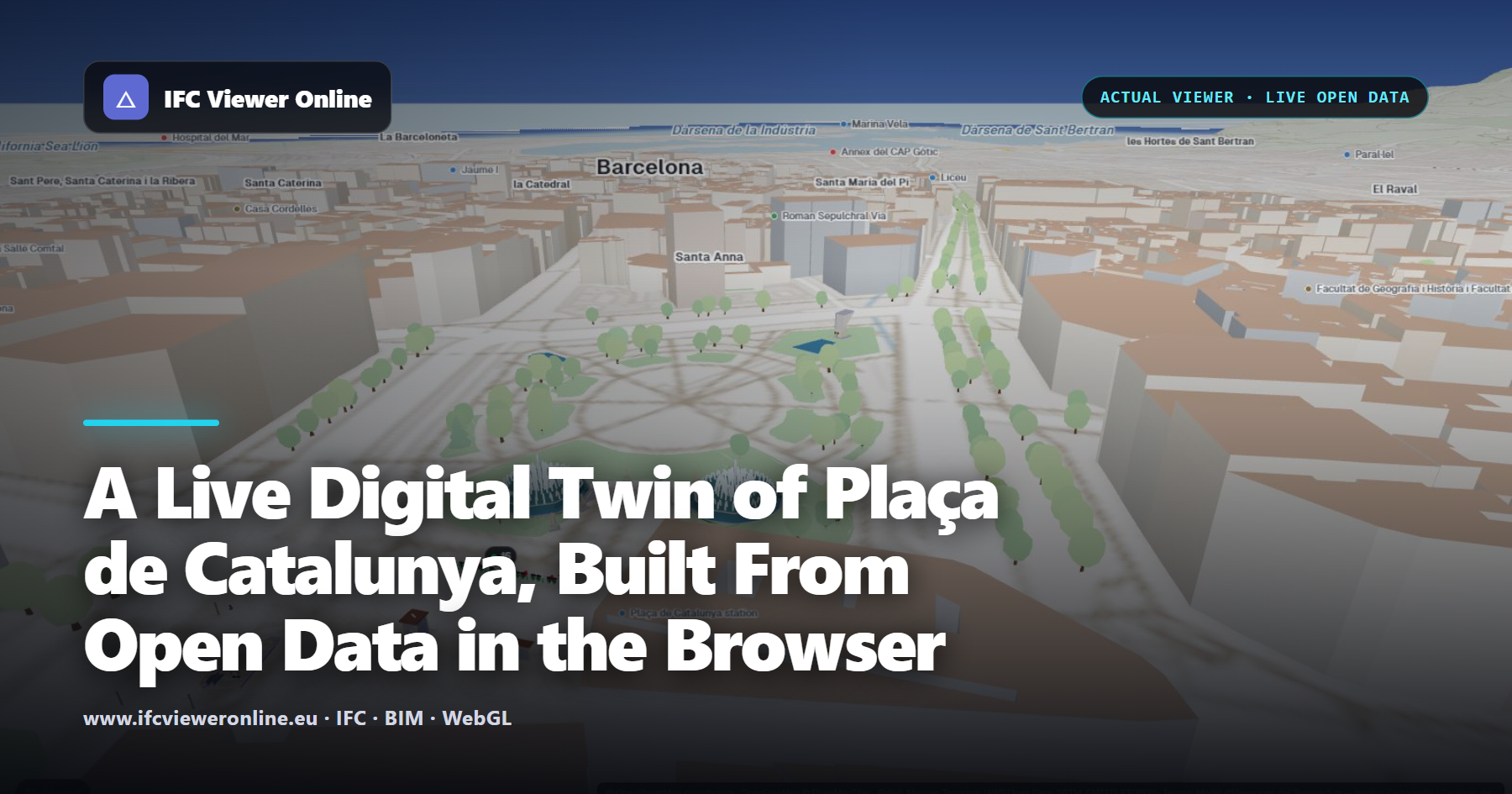
A Live Digital Twin of Plaça de Catalunya, Built From Open Data in the Browser
Eight IFC models of Plaça de Catalunya on the real terrain, with Bicing docks, an EV charger, street traffic and air quality updating from Barcelona's open data. It all runs in the visitor's browser: no IoT platform, no GIS server, no backend of ours.
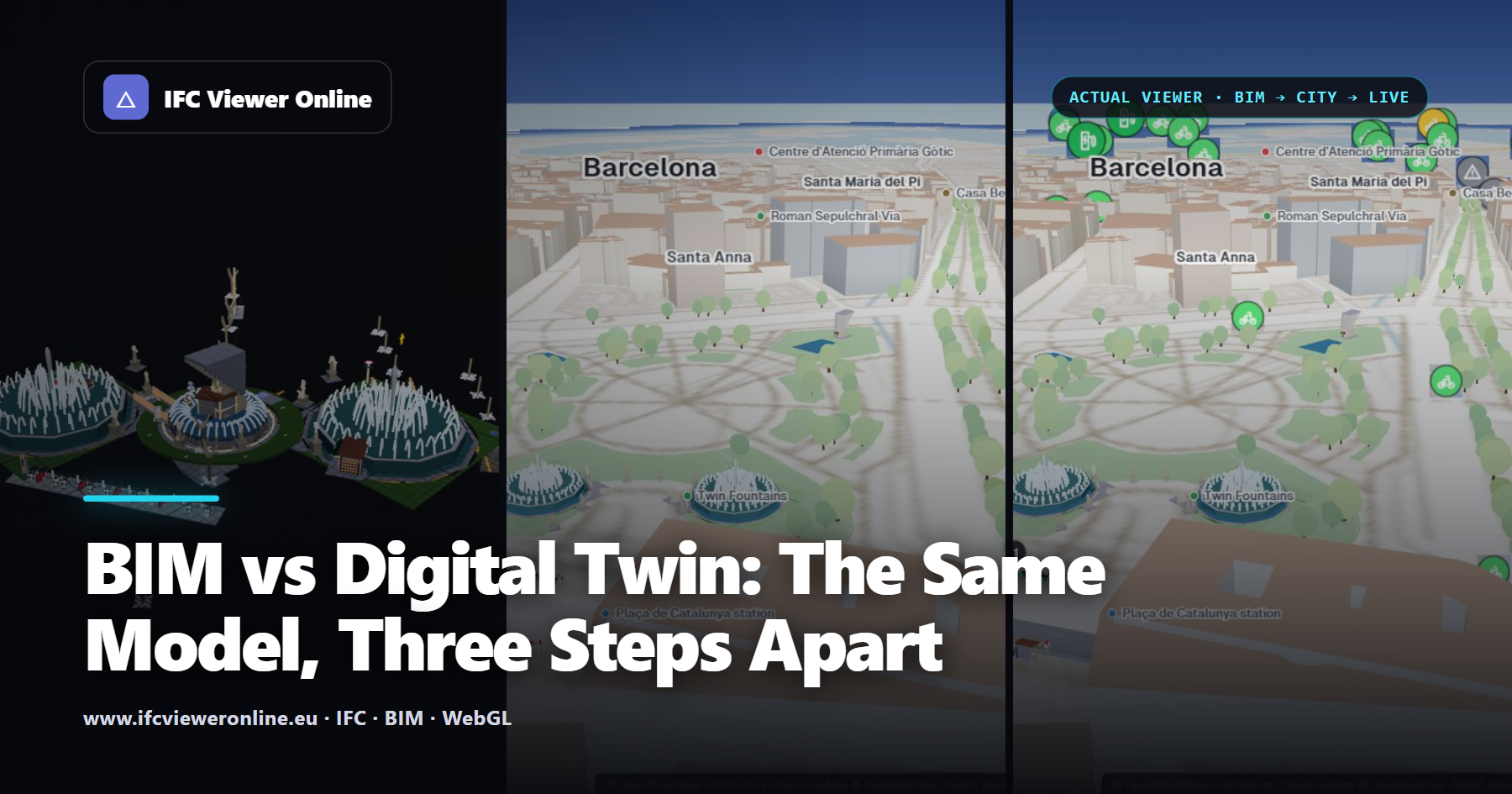
BIM vs Digital Twin: The Same Model, Three Steps Apart
BIM and digital twins get talked about as if they were the same thing. They are not, and the difference is easiest to see on one set of models: as BIM files, placed in their city, and connected to live data. What each step adds, what a twin needs from BIM, and when you do not need a twin at all.

How Deep Is Dangerous? Flood Depth, Speed and the Hazard Rating, Explained
A flood map in shades of blue says how deep the water gets. Whether it is dangerous depends just as much on how fast it moves: 20 cm of standing water calls for caution, the same 20 cm moving at 4 m/s is a danger for most people. The hazard rating used in UK flood work, a calculator, and how to apply it to a simulation.
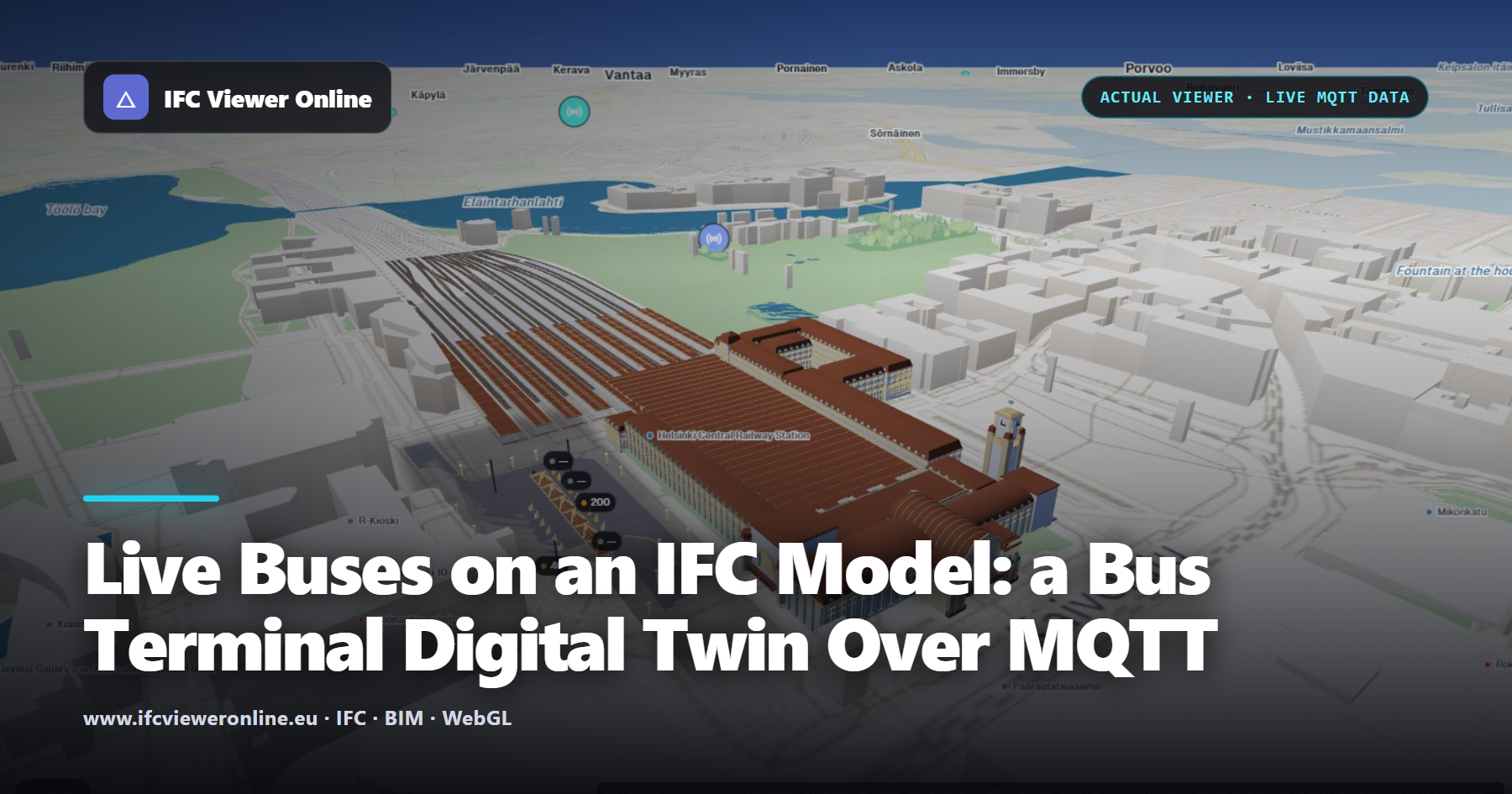
Live Buses on an IFC Model: a Bus Terminal Digital Twin Over MQTT
At the Elielinaukio terminal next to Helsinki Central Station, each bay of an IFC model lights up when a real bus stands at it, with the line number above. The data comes from HSL's public MQTT feed, received directly by the browser.
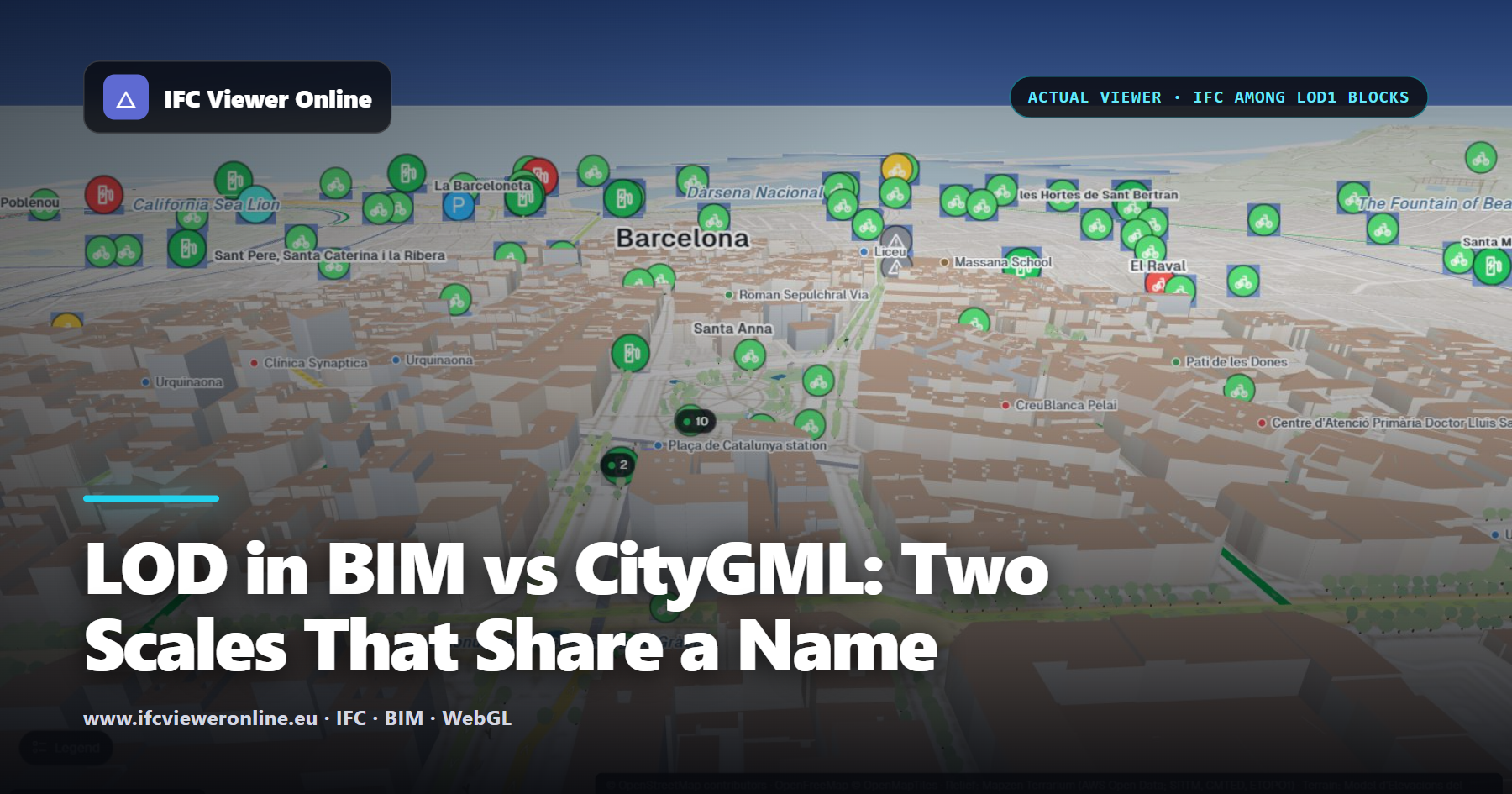
LOD in BIM vs CityGML: Two Scales That Share a Name
Ask for "LOD 2" and you may get a block with a pitched roof or a generic wall, depending on who reads it. CityGML's levels of detail and BIM's levels of development share an acronym and little else. What each scale means, how they line up, and how to write a requirement nobody can misread.
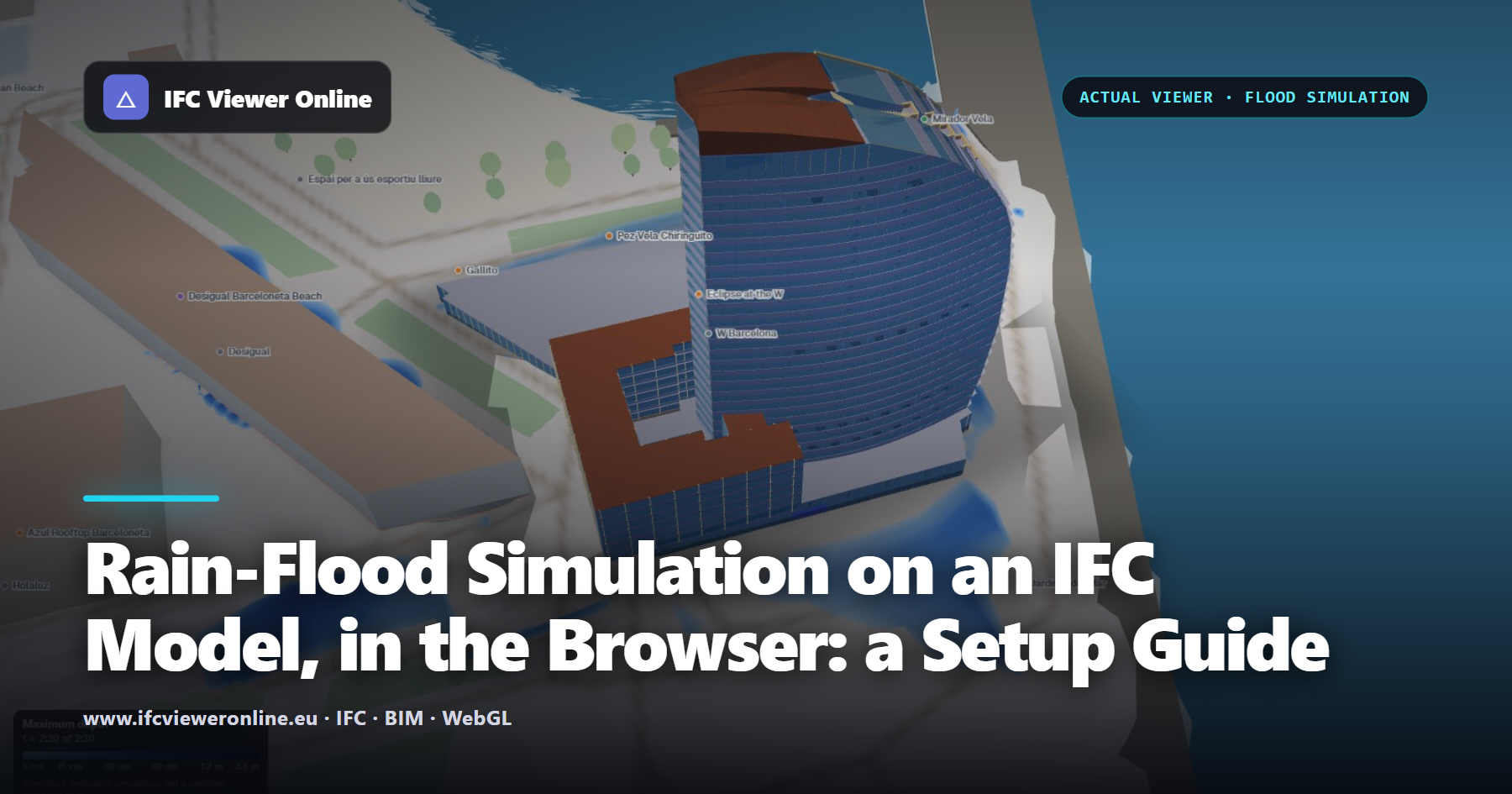
Rain-Flood Simulation on an IFC Model, in the Browser: a Setup Guide
Where does the water go in a cloudburst, and does it reach the doors? A georeferenced IFC, the ground under it and the streets around it are enough for a first answer, in the browser, in under a minute. How to set the simulation up so the answer is worth something, and how to read it.
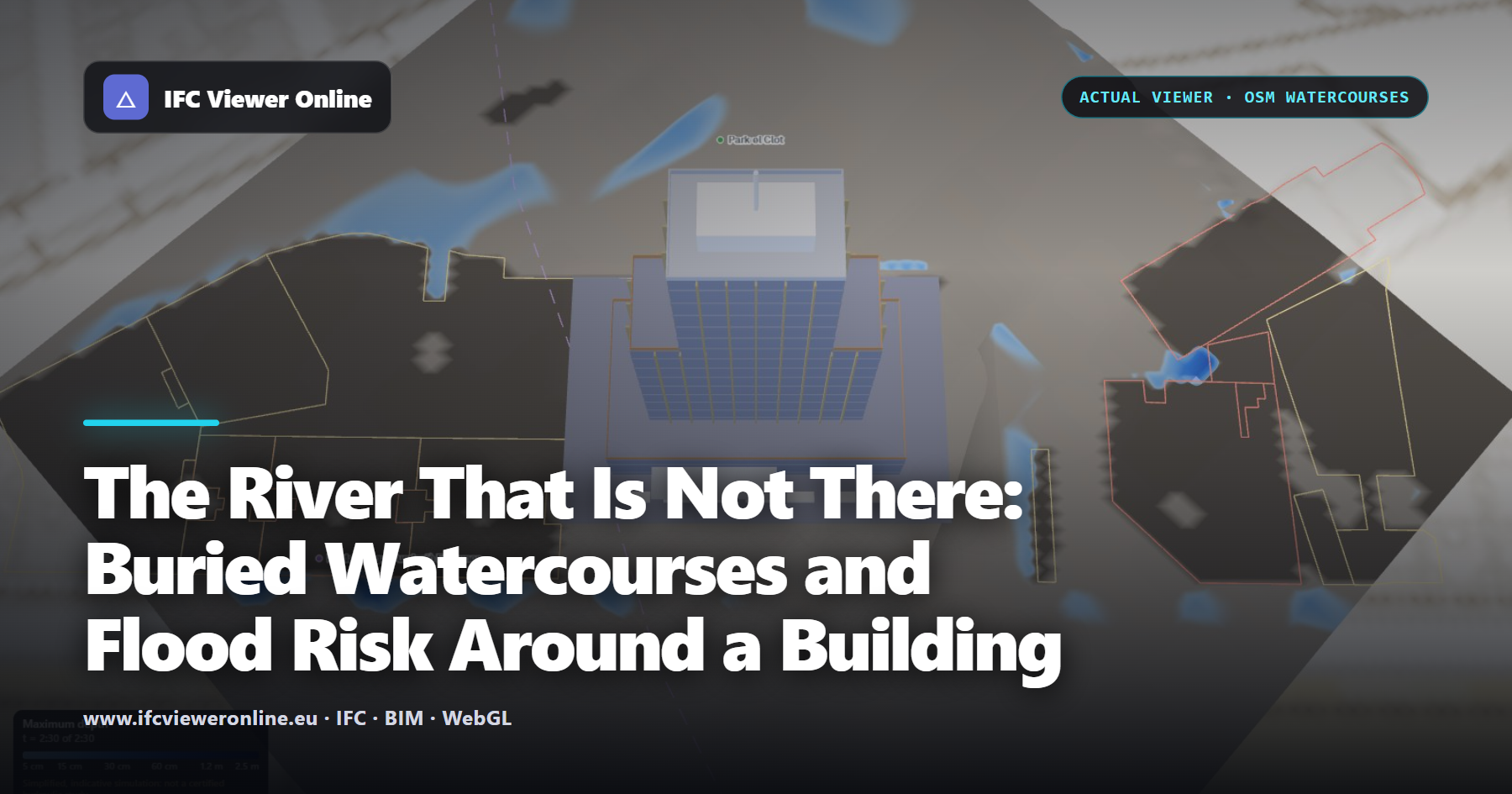
The River That Is Not There: Buried Watercourses and Flood Risk Around a Building
Cities were built over streams. The streams were piped, filled in or diverted; the valleys they cut were not. When a storm overwhelms the drains, water goes back to where the stream ran. OpenStreetMap often still records those courses. How to find them, and see what the rain does over them.
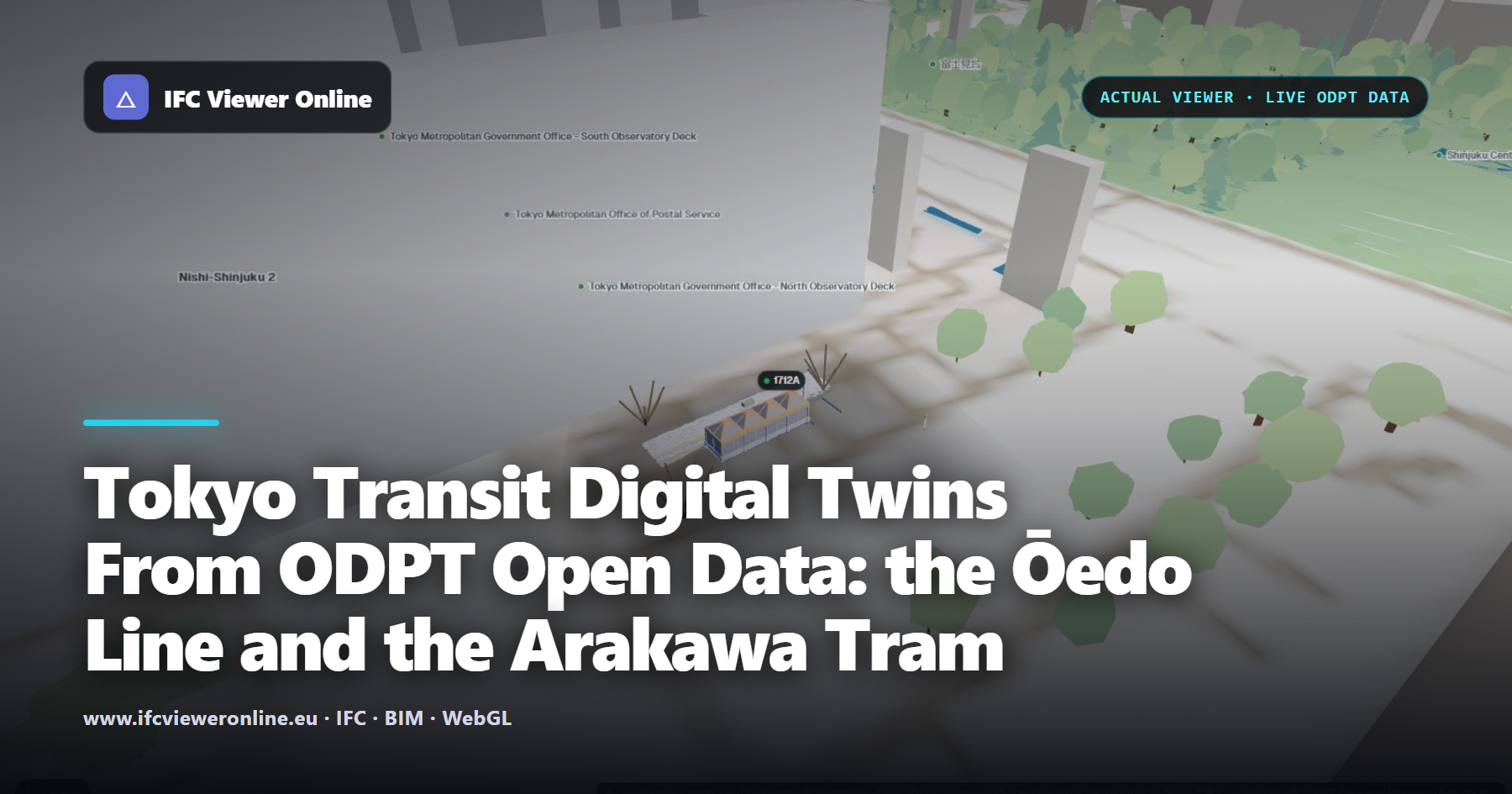
Tokyo Transit Digital Twins From ODPT Open Data: the Ōedo Line and the Arakawa Tram
An exit of Tochōmae station and the Waseda tram stop, as IFC models that react to Tokyo's public transit data: the Ōedo line's status, the train at the platform, the buses passing, the tram at the stop. It runs in the browser from ODPT's open APIs, and the GTFS-Realtime protobuf is decoded on the page.
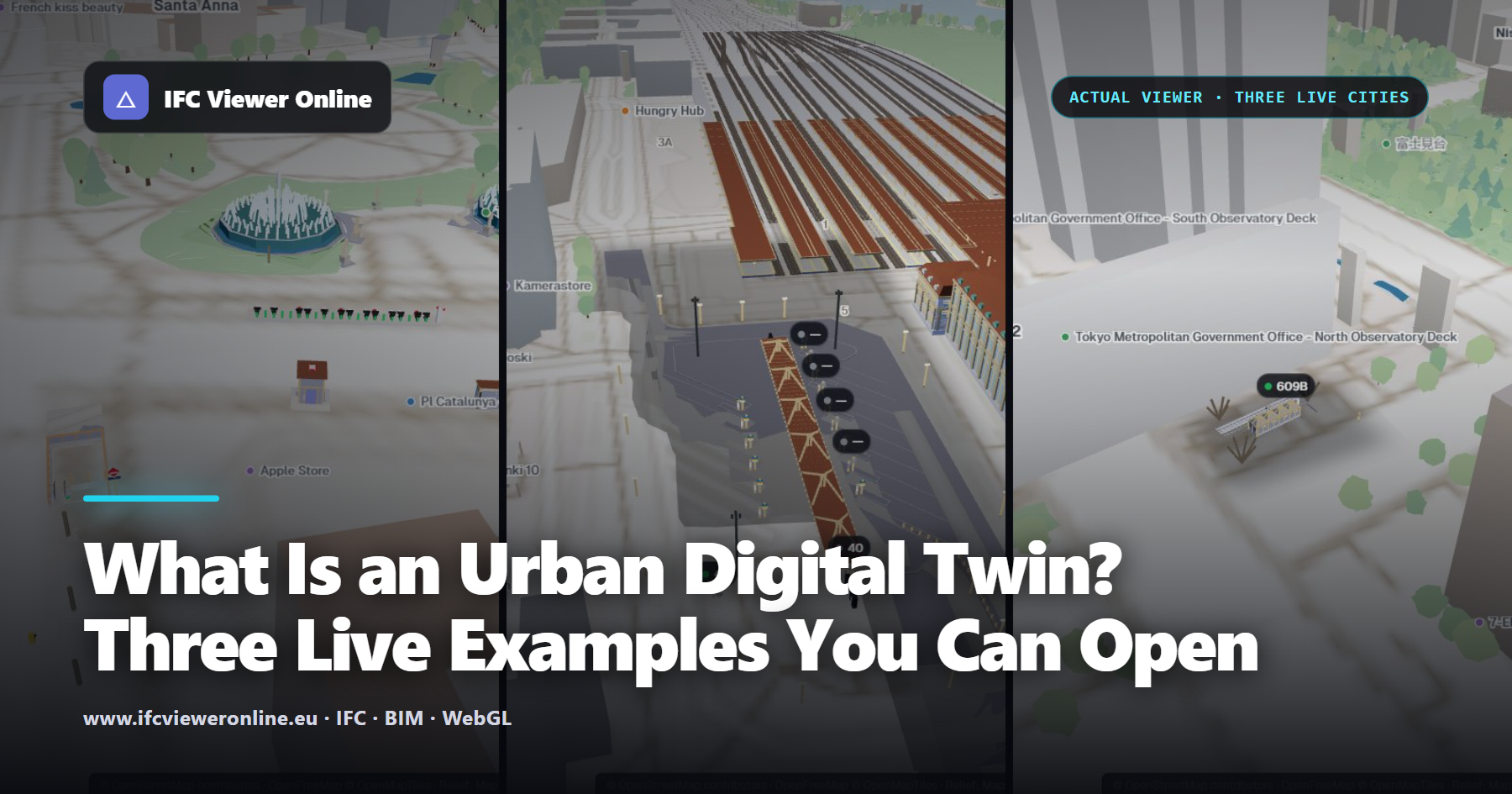
What Is an Urban Digital Twin? Three Live Examples You Can Open
A city digital twin is a 3D model of a place that stays connected to what is happening there. What that means in practice: the five layers it is built from, where each comes from, and three live examples — Barcelona, Helsinki and Tokyo — that run in your browser from open data.

Floor Plans, Slab Flatness and Contours From a Point Cloud, in the Browser
Most of what a site team needs from a scan is not a 3D view. It is a plan of what was built, a flatness check before the screed, a terrain with contours, and a clearance that can be quoted. All of them are filters on the same cloud — slices, bands and classes — and none needs desktop software.

IFC 4.3 Explained: Bridges, Roads, Railways and Alignments
IFC 4.3 is the release that took IFC out of buildings. Bridges, roads, railways and ports are now first-class facilities, positioned along alignments instead of on storeys. What changed, what it means for the models you receive, and what to check when the first IFC4X3 file lands on your desk.

IFC Classification Explained: Uniclass, OmniClass and How Codes Live in the Model
A classification code is the bridge between a model and everything that happens after it — cost plans, specifications, asset registers. In IFC it is not a property but a relationship, which is why so many exports lose it. How it works, which system to use, and how to check it.

ISO 19650 File Naming Convention Explained (With Examples)
Seven fields and six hyphens decide whether a model can be found, sorted, checked and federated without anybody opening it. What each field means, the role codes, where status and revision belong instead — and the naming mistakes that quietly break a CDE.

LAS Point Cloud Classification Codes Explained (ASPRS 0–18)
Every point in a LAS or LAZ file can carry a class: ground, building, vegetation, water, noise. Those numbers decide what you can do with a scan — terrain models, scan-vs-BIM, clearance checks. Here is the full ASPRS table, what each code is for, and how to use them without desktop software.

Parks and Courtyards in 3D Maps: What We Learned From Yuyuan and Jing’an
Trees inside plazas, water over islands and covered courtyards: three mistakes that make a map worse however detailed it is. How we tackled them in Shanghai.

Shanghai in 3D: Combining IFC Buildings and Urban Context Without Losing Reality
From the Oriental Pearl to the Yuyuan gardens: how we built a 3D context that keeps streets, entrances and open spaces, and where its limits lie for a BIM project.

Shanghai Pedestrian Bridges in 3D: Heights, Stairs and Connections That Actually Fit
An elevated ring can look perfect from above and fail at street level. This is how we review decks, widenings, stairs and lifts in Lujiazui.

Shanghai Railway Stations in 3D: Tracks, Platforms and Canopies Without Fake Blocks
Hongqiao and Shanghai South show why a station needs more than an extruded footprint: clear space, consistent elevations and trains that follow the track.

How to Measure an IFC Model Online: Distances, Areas, Angles and Sections
Measuring in a free viewer usually means clicking near a corner and hoping. Snapping to real vertices and edges, measuring through a section, and keeping the dimensions in the screenshot you send is what makes a browser measurement worth quoting.

IFC Spatial Structure Explained: Project, Site, Building, Storey and Space (With Diagrams)
Every IFC model hangs from the same tree: Project, Site, Building, Storey, Space. Most of the problems people blame on viewers — elements in no storey, plans that cut through slabs, models two kilometres away — are problems in that tree. Here it is, drawn out, with the mistakes that break it.

Presentation Images From an IFC Model: Boards, Covers and Coordination Views
Most project images are screenshots with the toolbar cropped out. A model already contains what a good presentation image needs — sections, disciplines, storeys, real north — and a template can turn it into a board, a cover or a coordination view in minutes.

Sun and Shadow Study From an IFC Model, in the Browser
A shadow study usually means exporting to a render tool and guessing the north angle. A georeferenced IFC already knows where it is and which way is north — so the sun can be placed correctly at any date and time, in seconds, without leaving the browser.

Turn an IFC Model Into a Video for LinkedIn, Instagram or a Client
A thirty-second clip of a model does more for a project than a slide of screenshots — if it arrives in the right format. Why the platforms reject WebM, why a vertical crop cuts the building in half, and how to produce an edited MP4 from an IFC without leaving the browser.

Walk Through an IFC Model in First Person, in the Browser
Orbiting shows you a building as an object. Walking through it at eye height shows you the building as somebody will use it — and it is often the fastest way to find the door that opens into a column. How first-person navigation works on an IFC, and when it helps.

What's Inside an IFC File? The Format Explained With Diagrams
An .ifc file is plain text you can open in a code editor — and once you know how to read it, half of the mysteries of IFC disappear. The header, the numbered instances, the GlobalId, the relationships that carry properties: here is the format, drawn out.
BCF 2.1 vs 3.0: Why Your Issue Viewpoints Open in the Wrong Place
BCF is supposed to make an issue survive the trip between tools. In practice the camera lands underground, the section box vanishes and the labels are gone. The reasons are few, specific, and fixable — and knowing them tells you which tools to trust.
COBie From IFC: What Your FM Team Actually Needs (and How to Check It Before Handover)
COBie is where good BIM goes to die: a spreadsheet produced in the last week of the project, full of blank cells, that the facilities team never opens. Extracting it from the IFC early — and measuring how complete it is — changes that.

How to Compare Two IFC Versions and See Exactly What Changed
"What changed since last week?" is the question every coordinator asks and almost no IFC tool answers well. Comparing by GlobalId across a whole set of files — not one file against one file — is what turns a diff into a weekly review.

How to Embed an IFC Viewer in a Website, CDE or Power BI Report
An interactive 3D model in a proposal, a project page, a CDE panel or a Power BI dashboard — with one iframe, no build step, and without uploading the model to anybody's server. What the URL parameters do, and when you need the SDK instead.

IDS Explained: How to Check an IFC Model Against an Information Delivery Specification
IDS turns "the model must contain the fire rating" from a sentence in a PDF into a file a machine can check. Here is what the six facets actually test, where most IDS files go wrong, and how to run one against your IFC in a browser.
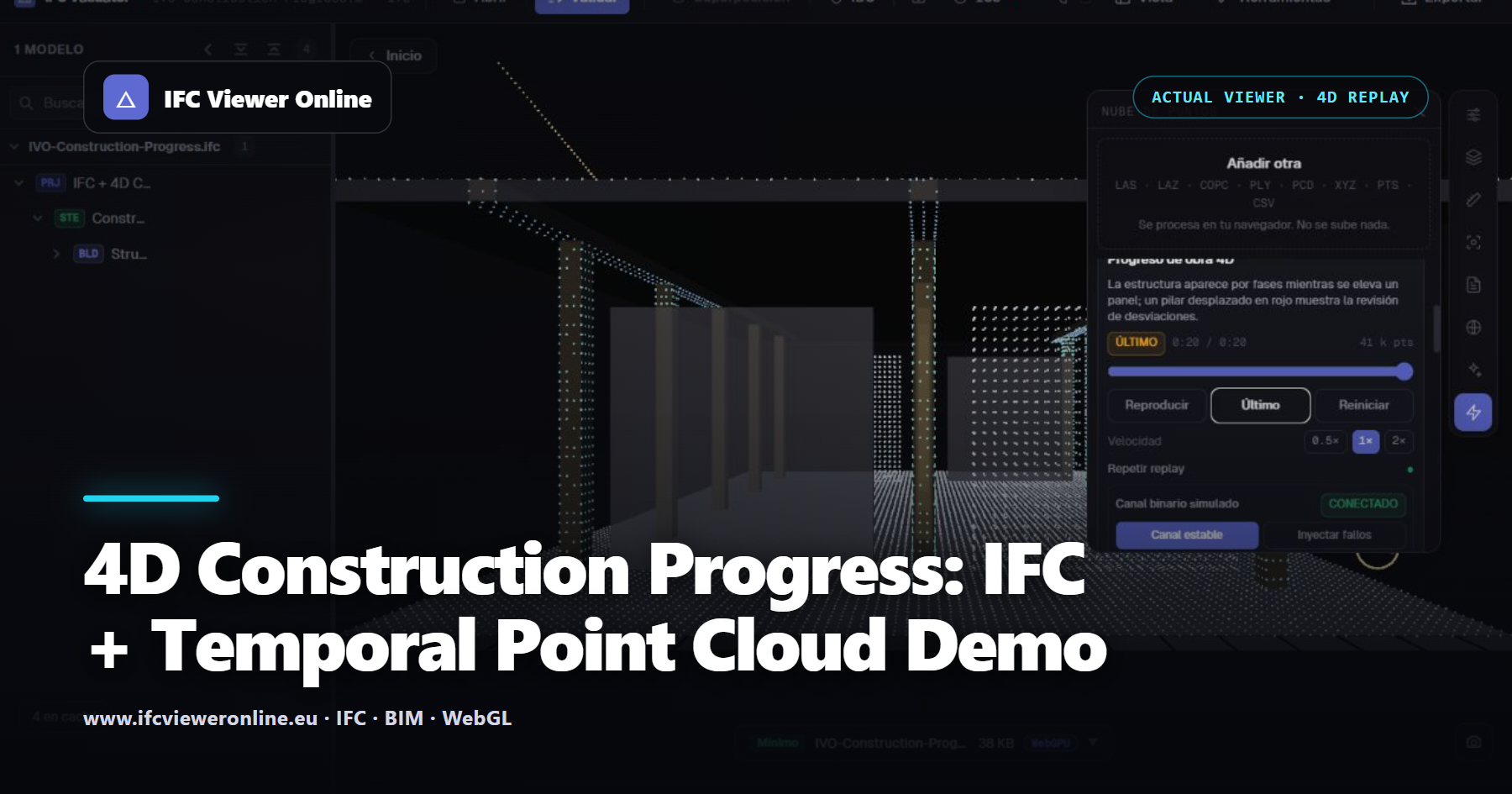
4D Construction Progress: IFC + Temporal Point Cloud Demo
Scrub through structural phases, follow a lifted panel and reveal a deliberately shifted column return cluster against the IFC reference.
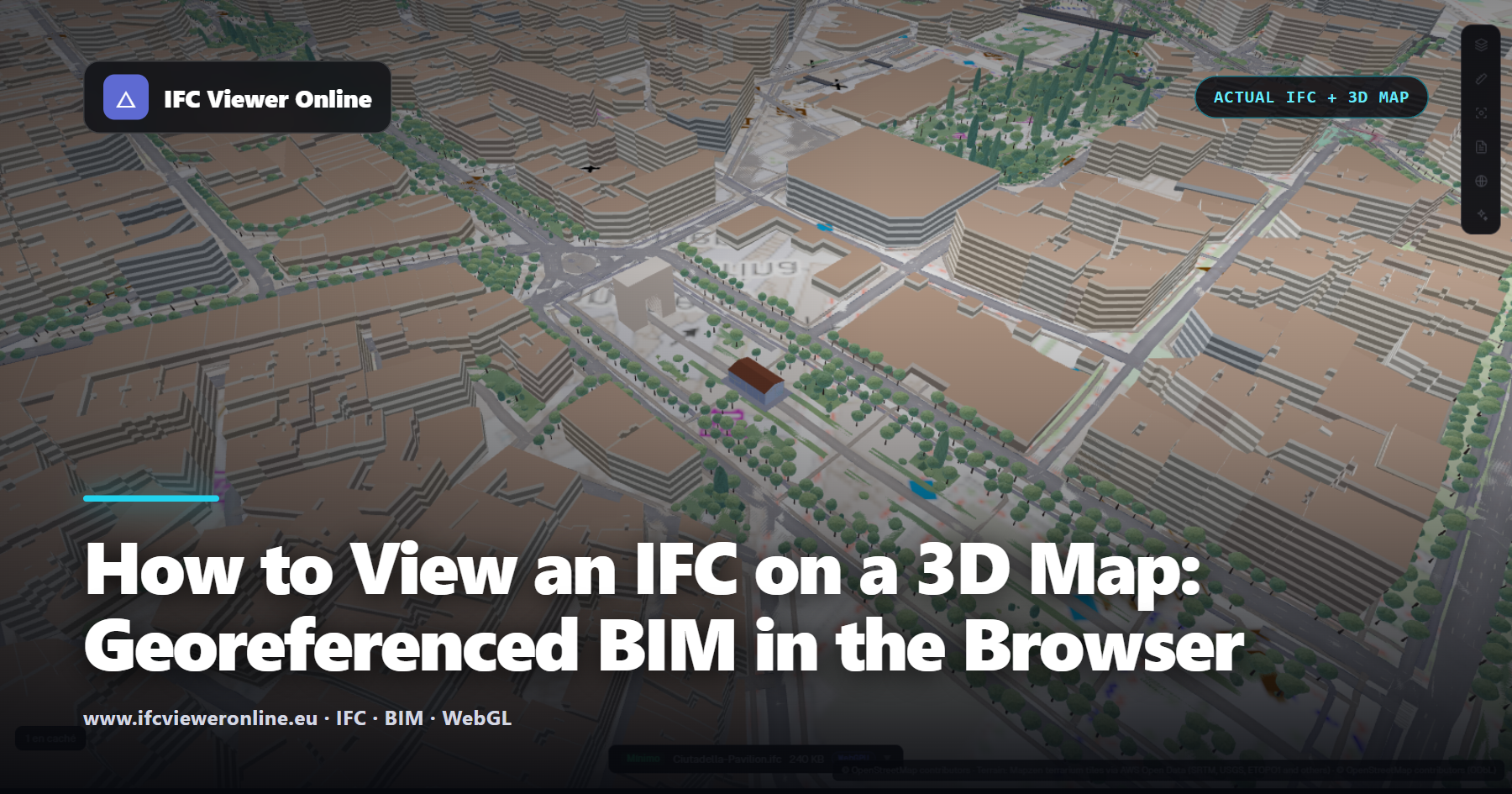
How to View an IFC on a 3D Map: Georeferenced BIM in the Browser
Open a real IFC4 pavilion in its Barcelona map context, inspect the live 3D demo, and learn how IfcProjectedCRS and IfcMapConversion place BIM correctly.

Tunnel Inspection Digital Twin: IFC + Mobile LiDAR Replay
Move an inspection trolley through dense services, visualize its scan fan and localize a changing wall-condition cluster in the IFC corridor.
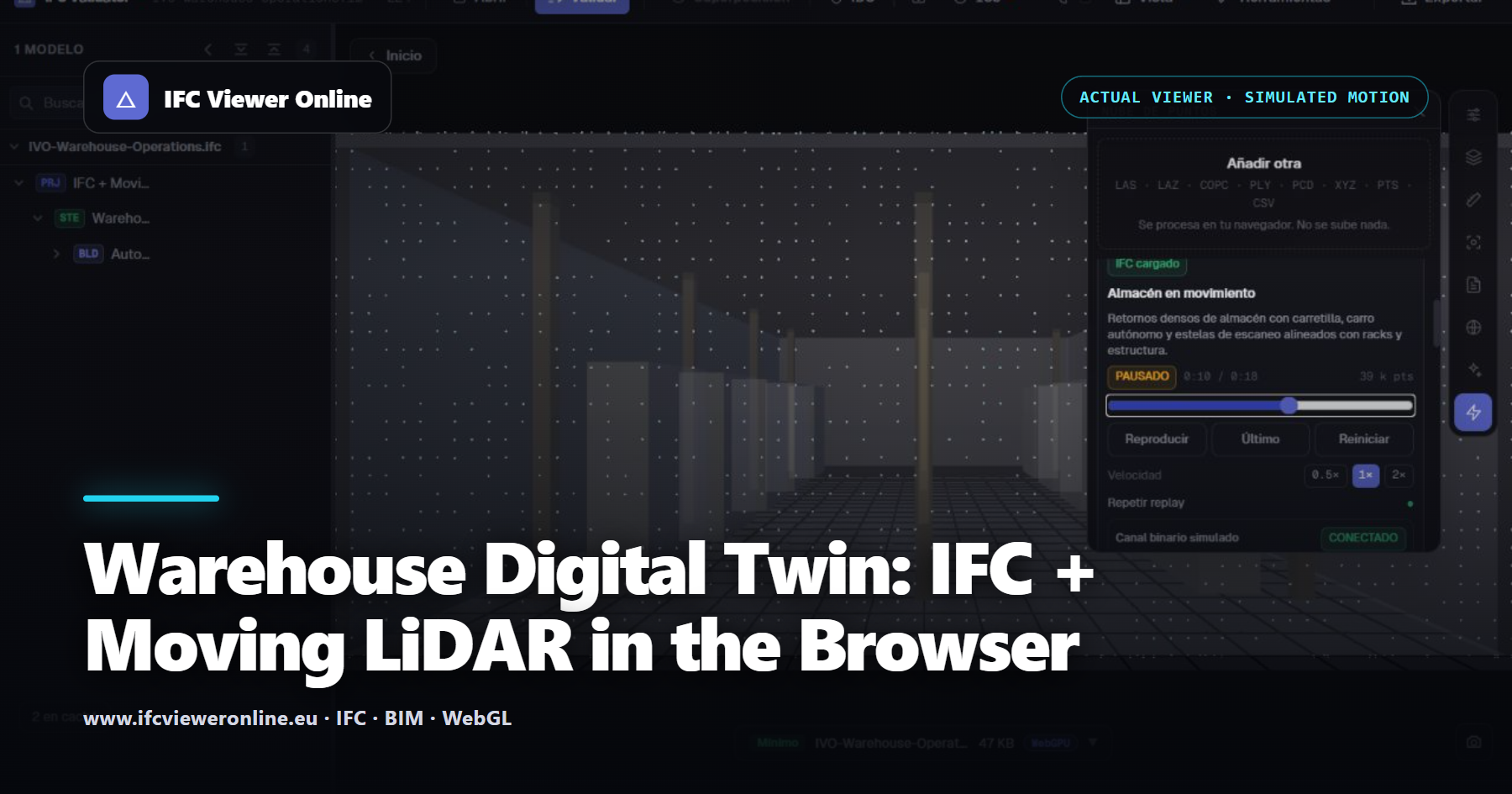
Warehouse Digital Twin: IFC + Moving LiDAR in the Browser
See a forklift and an autonomous cart move through a dense warehouse point cloud while the IFC stays available as the designed spatial reference.
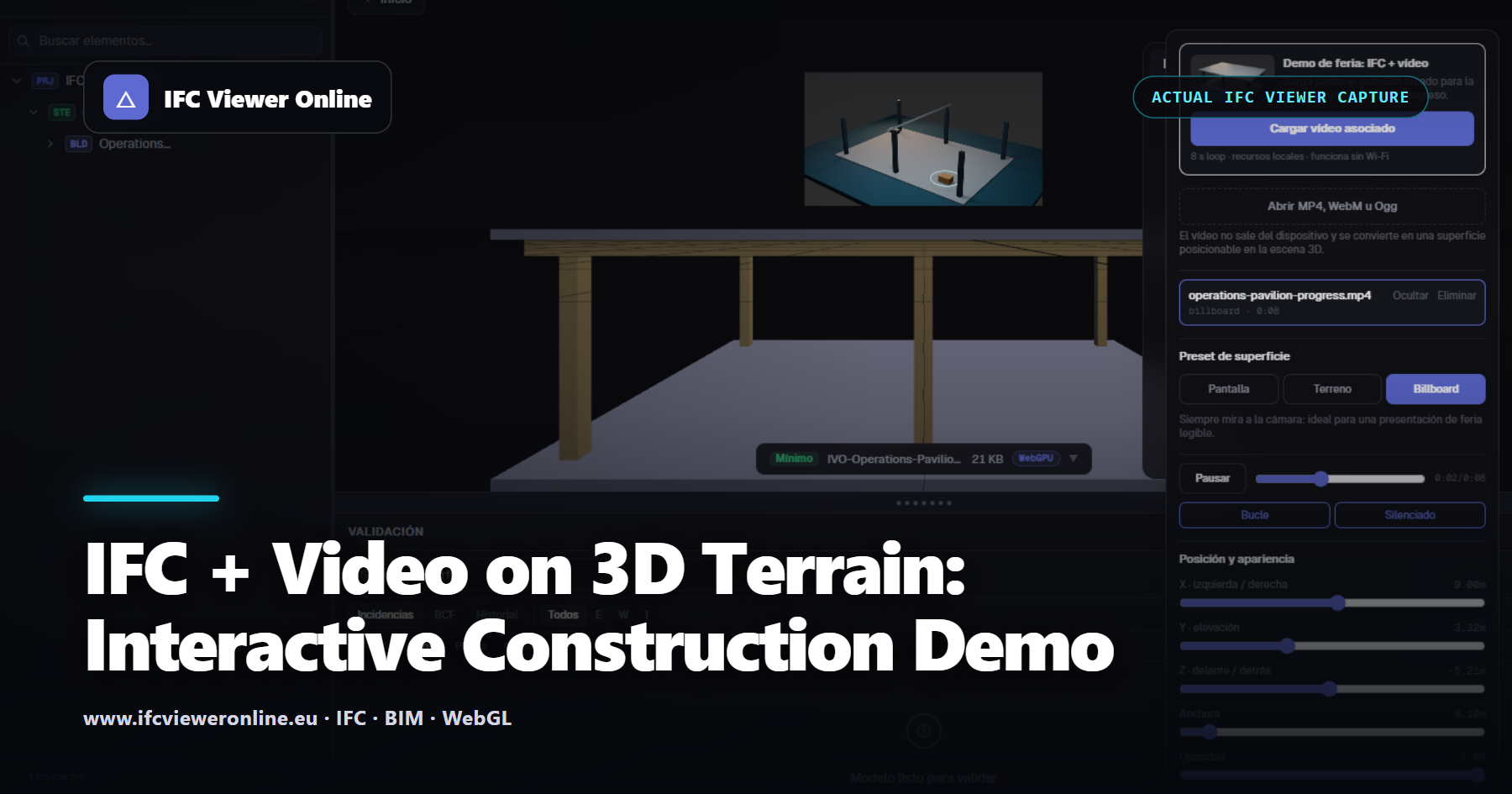
IFC + Video on 3D Terrain: Interactive Construction Demo
See the actual viewer place video beside IFC as a screen, terrain overlay or billboard, then try metric position and opacity in the browser demo.
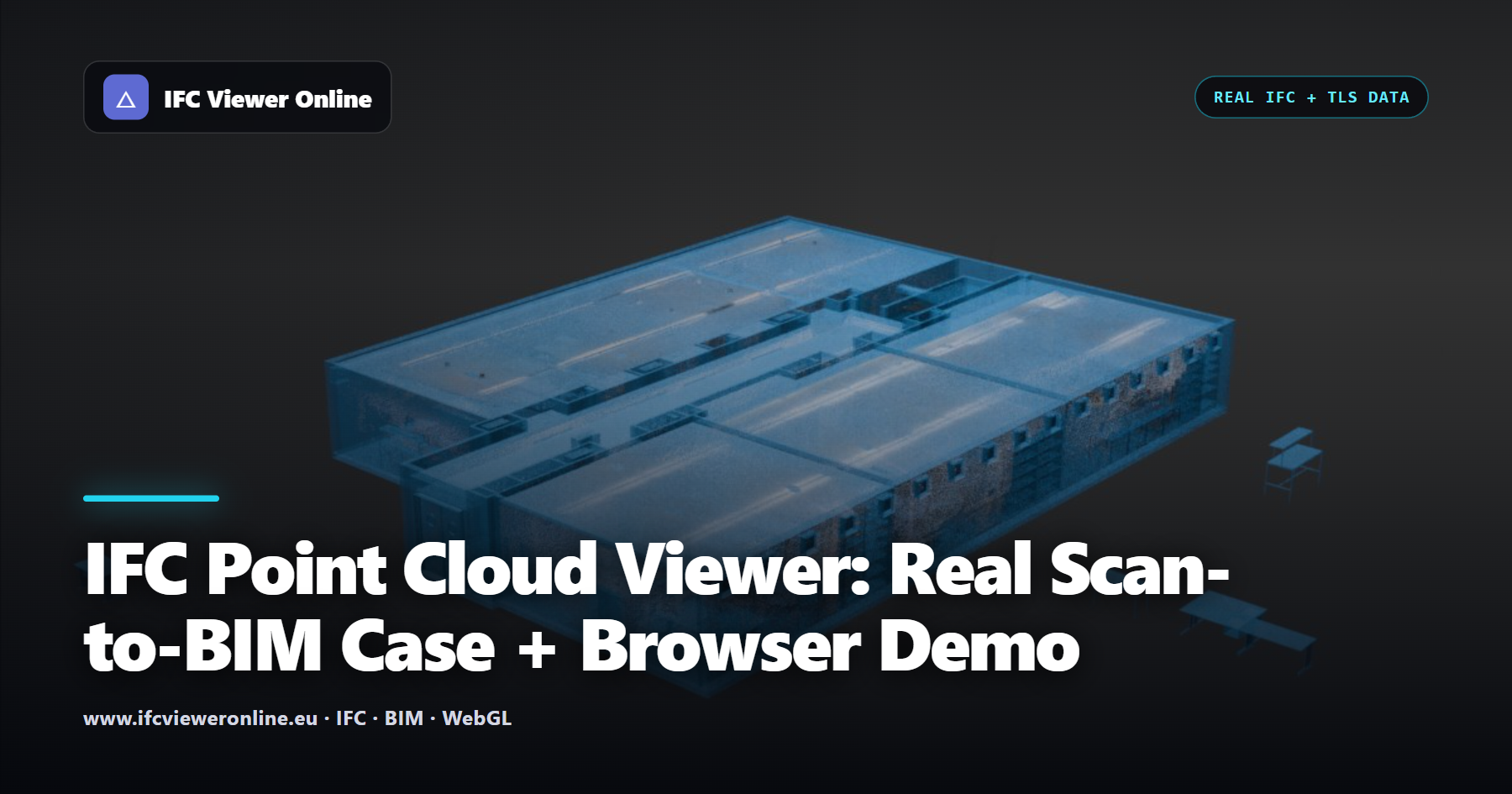
IFC Point Cloud Viewer: Real Scan-to-BIM Case + Browser Demo
See a real CRAS TLS-to-IFC alignment, inspect sections and launch an interactive IFC + LAS browser demo with no model upload.

Real-Time LiDAR + IFC in the Browser: MCAP Replay Demo
Run the actual web replay interface and learn the bounded buffers, binary frames and telemetry behind an honestly labelled simulated IFC + LiDAR stream.
BEP Clauses That Actually Prevent Bad IFC Deliveries
Most BEPs say models must be "of suitable quality" and nothing else — which is why quality arguments never end. Four short clauses, written to be pasted, that turn an opinion into a testable condition.

IFC Acceptance Criteria: How to Accept or Reject a Model Without an Argument
"This model is unusable" versus "the model is fine" is an argument with no ending. A one-page acceptance table, agreed before the first delivery, turns it into a five-minute check with a documented outcome.

What to Hand Over With an IFC Model (Beyond the IFC)
A delivery is a claim: this model is fit for this purpose at this revision. Evidence is what turns the claim into something the receiver can check without repeating your work — and what stops the same argument happening twice.

10 Common IFC Model Errors and How to Detect Them
The ten errors that appear most often in IFC files delivered on real projects — what causes them, how a model checker detects them, and how to fix them at the source.

Best Free IFC Viewer in 2026: Honest Comparison of 10 Tools
There is no single best IFC viewer — the right choice depends on your workflow. Independent comparison of 10 tools across browser vs desktop, validation depth, BCF, IDS, privacy, and large-file handling. Honest strengths and limitations for each.

Best IFC Model Checkers in 2026: Honest Comparison
An independent comparison of eight tools on actual checking depth — not just what their marketing says. Includes checking capability table, workflow fit guide, and honest assessments of what each tool does and does not do.

How to Check an IFC Model Before Delivery (Step-by-Step)
A practical workflow for BIM coordinators: export, schema check, quality check, fix errors, IDS validation, archive the report. With checklists for each stage and ISO 19650 stage gate guidance.

IFC Model Checker: Free Online Validation Guide (2026)
What IFC model checking actually means, how the three validation layers work, and how to use a checker to enforce quality gates before every model delivery.

Solibri Alternative in 2026: When Browser-Based IFC Validation Is Enough (And When It Is Not)
Solibri remains one of the strongest BIM quality control platforms available. Not every IFC workflow needs its full weight. An honest comparison of Solibri and browser-based IFC validation — when each is the right tool, where they complement each other, and how to decide.
Browser-Based IFC Validation vs Cloud: The Architecture Decision BIM Teams Get Wrong
Offline IFC validation via WebAssembly — nothing uploaded, works on site. Browser vs cloud IFC validator: privacy, GDPR, upload speed, offline use, and when each architecture wins.

Free Online IFC Editor: Edit IFC Properties Without Revit or Archicad
Edit IFC properties free in your browser — nothing uploaded, no Revit needed. Honest guide to every tool: Revit, ArchiCAD, Solibri, BIMVision, and when each one wins.

IFC Health Score: The Definitive Guide for BIM Coordinators and Managers
An IFC Health Score is not a percentage — it is a decision-making tool. How it is calculated, what each band means, how to set thresholds in the BEP, and how to use it as a quality gate at every project stage.

Can You Use an Online IFC Viewer with Confidential Project Data?
The NDA in your project contract doesn't care which software you use. Before opening a sensitive IFC in any online tool, here's the technical test that tells you — in 30 seconds — whether your data stays on your machine.

GDPR and BIM Data: What Every Project Manager Needs to Know (2026)
IFC files can contain personal data under GDPR. Sharing a model with a subcontractor via a cloud tool creates data processing obligations with legal teeth. Here's what EU project teams need to understand before the next BIM delivery.
The BIM Tool IT Security Checklist: 10 Questions Your IT Department Will Ask
IT won't approve a new tool just because it's useful. They'll ask about data residency, encryption, GDPR, sub-processors, and source auditability. Here are the 10 standard questions — and exactly how IFC Viewer Online answers each one.

Free Online IFC Viewers Compared (2026): Privacy, Size Limits & Features
There are a dozen free browser-based IFC viewers now, and they make very different trade-offs — some upload your file to a server, some cap out at 10 MB, some have no validation at all. Here's an honest comparison to help you pick the right one for the job.
How to Reduce IFC File Size (Without Breaking the Model)
A 900 MB IFC won't email, takes forever to open, and crashes the coordinator's viewer. You can usually cut it by 70–90% — but only some methods are safe. Here's how to shrink an IFC without destroying the data people need downstream.

How to Validate an IFC File Before You Send It (Free, No Upload)
Your BEP says 'deliver a quality IFC' but never defines how to check it. Here are the three real ways to validate an IFC file — the buildingSMART service, IfcOpenShell, and an in-browser health check — what each one actually catches, and the pre-send checklist that stops models being rejected at the CDE.

How to View IFC in the Browser with three.js, web-ifc & Fragments
Loading an IFC into a three.js scene sounds simple until the first 200 MB model freezes the tab for two minutes. The trick the libraries teach is: don't parse IFC at runtime. Here's how web-ifc, Fragments, and a convert-once pipeline actually fit together.
IFC Coordinates Are Wrong: Survey Point, Base Point & Georeferencing Explained
You import the IFC and the building is two kilometres away — or sitting at the origin when it should be georeferenced to a national grid. Revit's three coordinate systems and IFC's georeferencing entities don't line up by default. Here's how to get the model where it belongs.

IFC Properties Missing After Export From Revit? The Fix Checklist
You exported the model, opened the IFC, and half your parameters are gone — or worse, they exported fine for you but vanished when a colleague ran the same export. Here's the checklist that explains why IFC properties go missing from Revit and how to get every one of them across.
Read IFC Property Sets in Python with IfcOpenShell
You need to pull property data out of an IFC — quantities, classifications, custom Psets — and into a spreadsheet, a database, or a QA check. IfcOpenShell makes it a few lines of Python. Here's the practical cookbook, including the get_psets shortcut everyone wishes they'd found first.

Revit ↔ Archicad via IFC: The Round-Trip Problems Nobody Warns You About
You link an Archicad IFC into Revit and find duplicate geometry floating hundreds of feet in the air — even though the same file looks perfect in the cloud viewer. Cross-tool IFC exchange has failure modes that only show up between vendors. Here's what breaks and how to work around it.

The Complete Guide to IFC Quality: From Export to Delivery
Every BEP demands a 'quality IFC' and almost none define it. This is the complete, practical guide to what IFC quality actually means — the failure categories that get models rejected, how to check each one, and a repeatable workflow that gets you to a deliverable file.

Why IFC GUIDs Change on Every Export (and How to Keep Them Stable)
You re-export the same model, send it to your coordinator, and every BCF comment, clash issue, and FM tag is suddenly pointing at the wrong element — or nothing at all. The cause: your IFC GlobalIds were regenerated. Here's why it happens and how to lock them down.
Why Large IFC Files Crash Your Browser (and How to View a 1 GB Model)
A 600 MB federated IFC, 1.7 GB of RAM, 3 frames per second, then the tab dies. Large IFC files break most web viewers for concrete technical reasons. Here's what's actually happening — and how to open a model that size without a server or a high-end workstation.

Why Your Revit IFC Export Breaks (and How to Fix Each Cause)
The geometry exported fine last week. This week elements are on the wrong floor, walls are missing, and the whole model is sitting in the wrong place. Revit IFC exports break for a handful of predictable reasons — here's how to identify which one bit you, and fix it.

View IFC Files in Your Browser — Free, No Installation
You're 20 minutes from a client call and just received a 200 MB IFC file. No Revit, no Navisworks, no BIM software. Here's how to open, inspect, and validate it before the call ends.

What Is a BIM Health Check? The IFC Health Score Explained
Your project BEP says 'deliver a quality IFC'. Nobody defines what that means until the model gets rejected. An IFC Health Score turns vague quality requirements into a number everyone can track.

Duplicate GUIDs in IFC: The Silent Error That Breaks Everything
Three weeks into a BCF coordination issue, you realise the comments reference elements that have vanished from the model. The model looks fine. The error: two elements sharing the same GlobalId — and every tool downstream has been silently confused since day one.
IFC, RVT, NWD, DWG: Which BIM File Format Should You Deliver?
Your structural engineer delivers RVT. Your MEP contractor uses NWD. The client wants IFC. Your PM is asking for DWG drawings. Here's how to navigate the format maze and why open BIM actually matters for delivery.

The 7 Most Common IFC Validation Errors (and How to Fix Them)
Duplicate GUIDs, orphan elements, and broken spatial hierarchies account for over 80% of IFC delivery rejections. Here's how to spot and fix each one before the model reaches the CDE.
IFC Health Score: The Single Number Your BIM Team Needs
What is an IFC Health Score, how is it calculated, and why should every project BEP specify a minimum threshold before CDE delivery?

How to Export Clean IFC Files from Revit: A Step-by-Step Guide
Revit's default IFC export settings produce avoidable validation warnings by the dozen. Here are the exact settings that eliminate the most common failures before the file reaches the CDE.
IFC2x3 vs IFC4: Should You Upgrade Your Export Schema?
Most BIM projects still deliver IFC2x3 despite IFC4 being the ISO standard since 2018. Here's what changes with IFC4, when to upgrade, and how to handle the transition without breaking existing tools.

ISO 19650 Compliance for IFC Deliveries: A Practical Checklist
ISO 19650 specifies information requirements for BIM deliveries. Here is what that means for your IFC files — from filename conventions to embedded project metadata — and how to verify compliance before submission.