Back to the BIM & IFC blog
Digital twins · 2026-11-01 · 5 min
Sketching a Digital Twin Before You Build It: Bridges, Sensors and Flood Lines in 3D
Most twin projects begin with a diagram of boxes that nobody can place on the asset. Draw the idea in space instead: which gauge, which span, how far the water reaches. Turn the live bridge and city, and add to them.
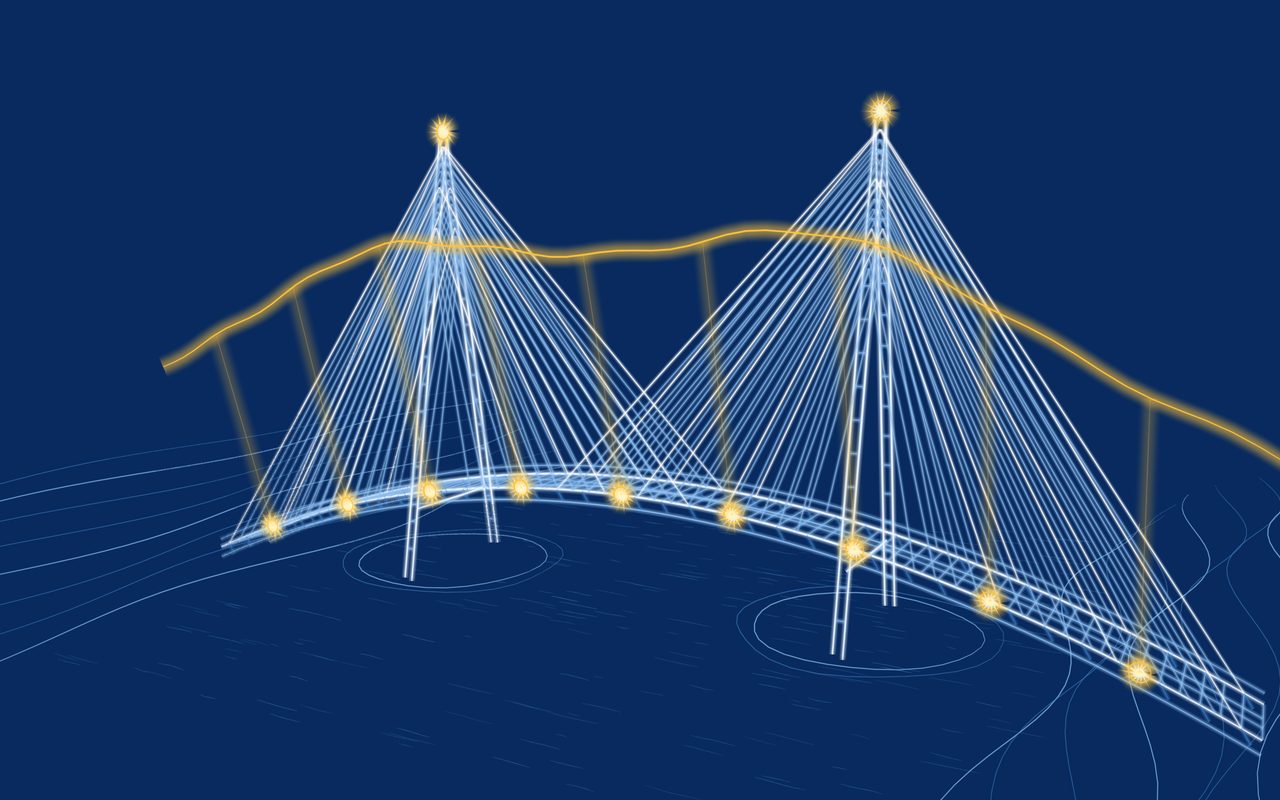
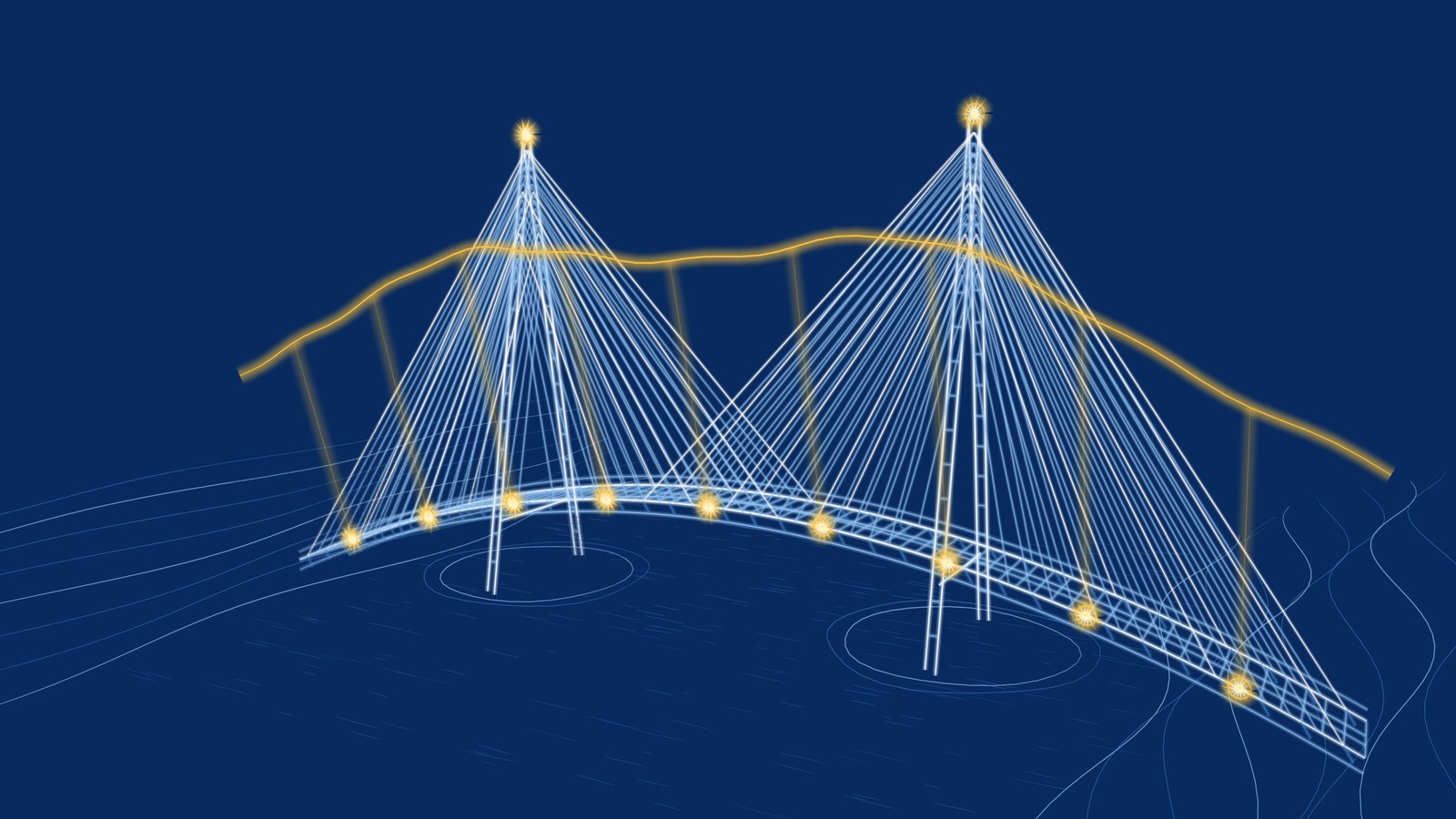 Blueprint-style 3D sketch of a cable-stayed bridge with amber sensors along the deck and a strain curve floating above it
A digital twin workshop usually ends with boxes and arrows on a slide, and the question of what goes where is still open. Sketching in space forces the concrete answer: this gauge, on this span, showing this curve. Turn the bridge below and add what you think is missing.
A monitored bridge you can turn and redraw
A cable-stayed crossing with gauges on the deck and a curve of readings above it. All of it is drawn, not measured. Press Draw to add your own sensor or route.
Open in the studio
Key takeaways
- Put each sensor, feed and alert on the asset before choosing any platform.
- One layer per idea: structure, monitoring, risk. Switch them on as you talk.
- Filters separate those layers at a glance, and never change the lines.
- A sketch shows intent: it holds no data and calculates nothing.
A way to run the session
- Start from what exists Bring in a model or scan of the asset. Otherwise, sketch its main lines on a base layer and lock it.
- One question per layer What do we measure? What decision does it support? What happens when it goes wrong? Each answer gets a layer and a colour.
- Save the angles that matter Saved views take the group straight back to the deck, the pylon or the low corner of the site.
- Present, then send Use the laser and audience window in the call, then send a read-only link or an image with the minutes.
From one asset to a whole district
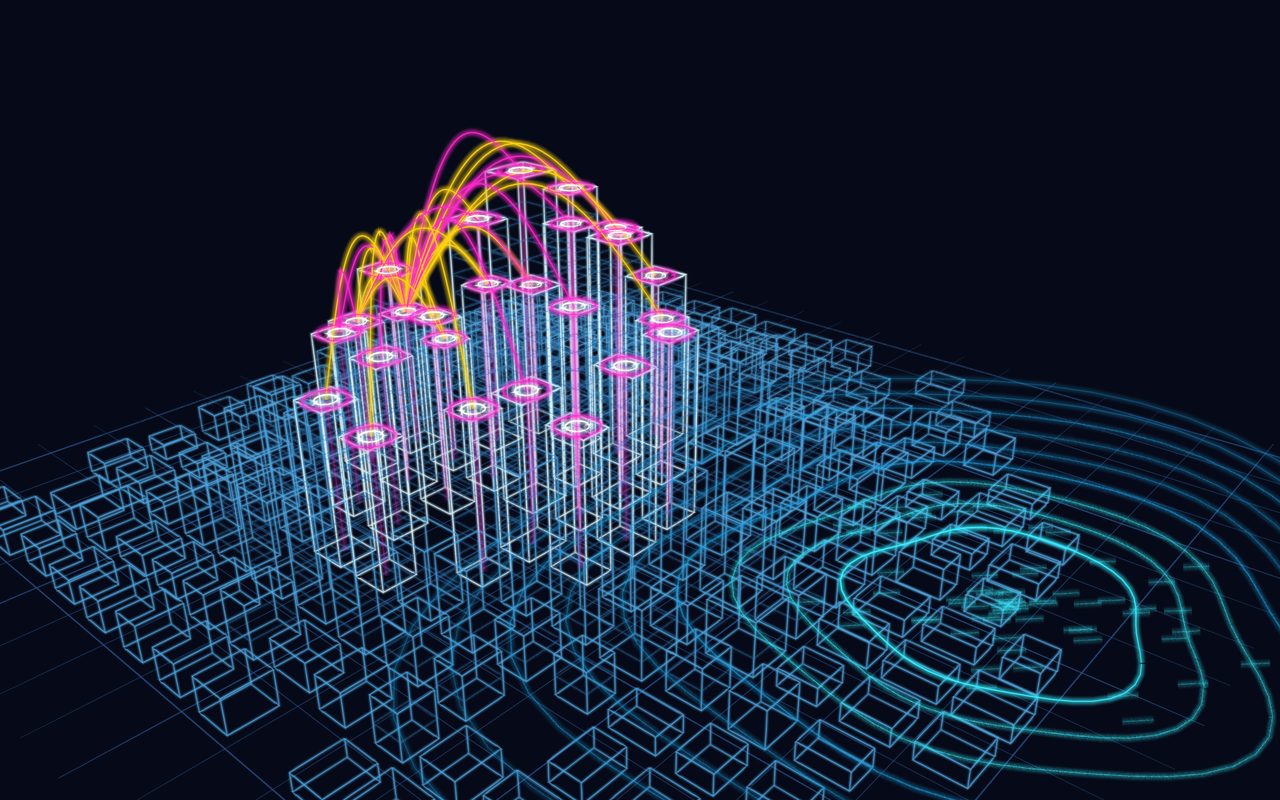
At city scale, the useful question changes from which gauge to which connections. Arcs between buildings show what talks to what, and contours show who is affected when something happens. It is rough on purpose: it should invite someone to take the pen and correct it.
 A district as a twin idea: buildings, data links and how far water might reach. All invented, plotted by code in the studio's engine.
A district to argue over
Turn it, try Blueprint or Chalk, and draw the link you think is missing. Nothing is sent or stored.
Open in the studio
What comes after the sketch
Once people agree on what the twin should show, it needs real data. The live urban twin examples show what that looks like running in a browser, and BIM vs digital twin sets out what each one holds. The sketch stays useful as the record of what was intended.
Sketching a Digital Twin Before You Build It: Bridges, Sensors and Flood Lines in 3D