All 30 guides on this topic
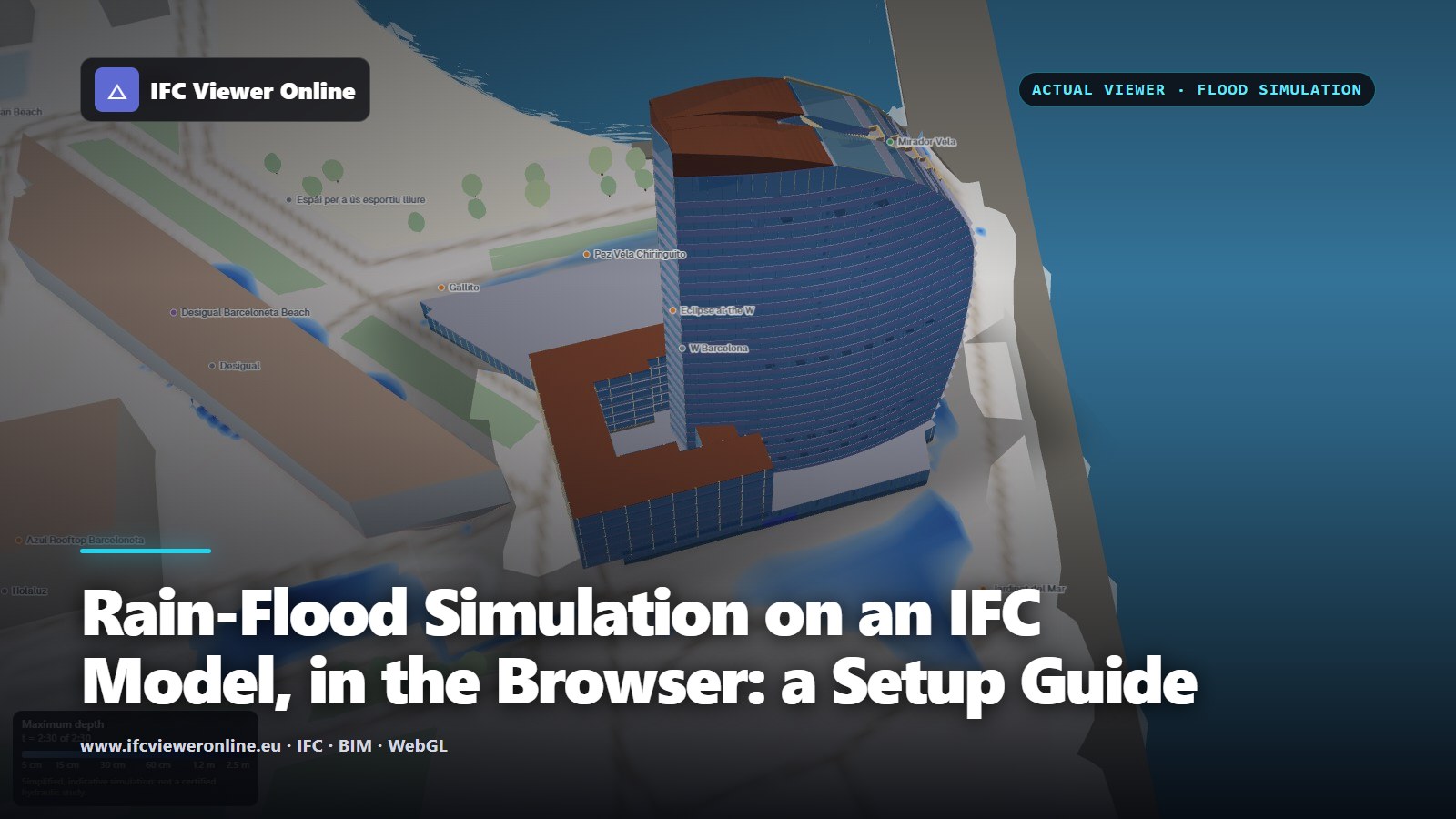
Where does the water go in a cloudburst, and does it reach the doors? A georeferenced IFC, the ground under it and the streets around it are enough for a first answer, in the browser, in under a minute. How to set the simulation up so the answer is worth something, and how to read it.
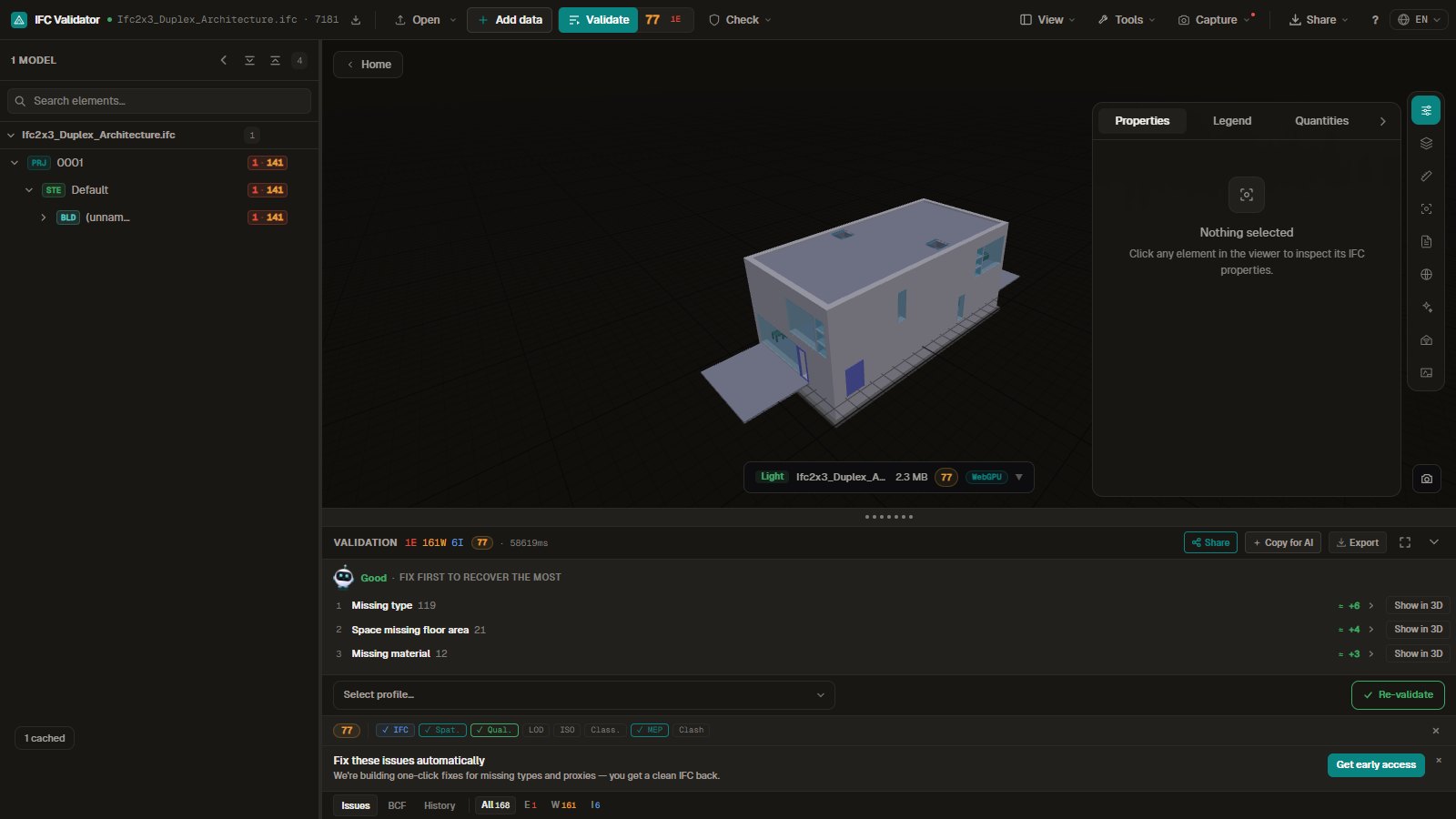
Ask Claude whether a model is fit to deliver and get a scored answer, the failing elements and a link to see them in 3D. The checks run on your own machine.
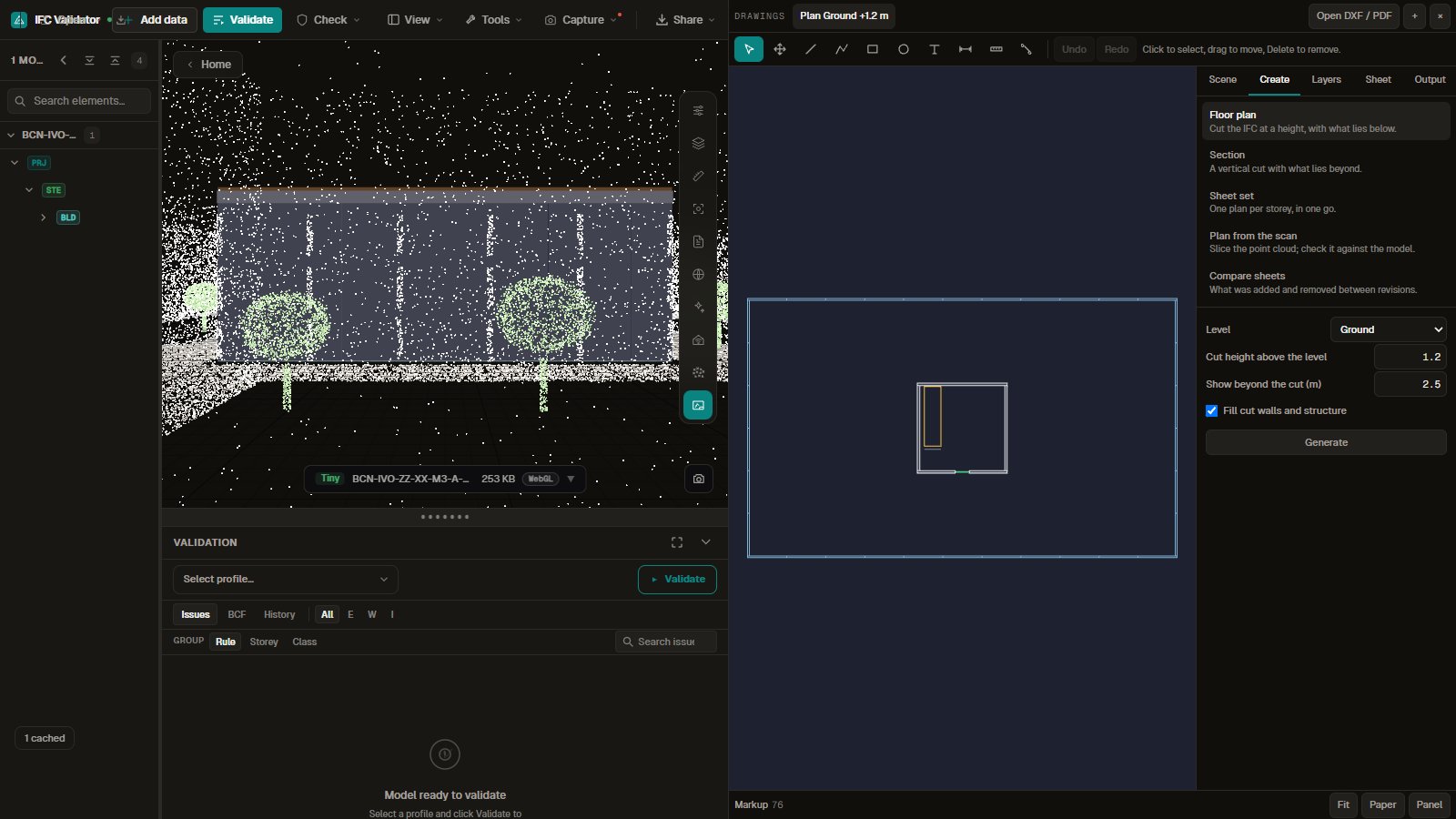
The plan is in one program and the model in another, so every check means switching windows. Here they share one screen and one coordinate system, with nothing to install.
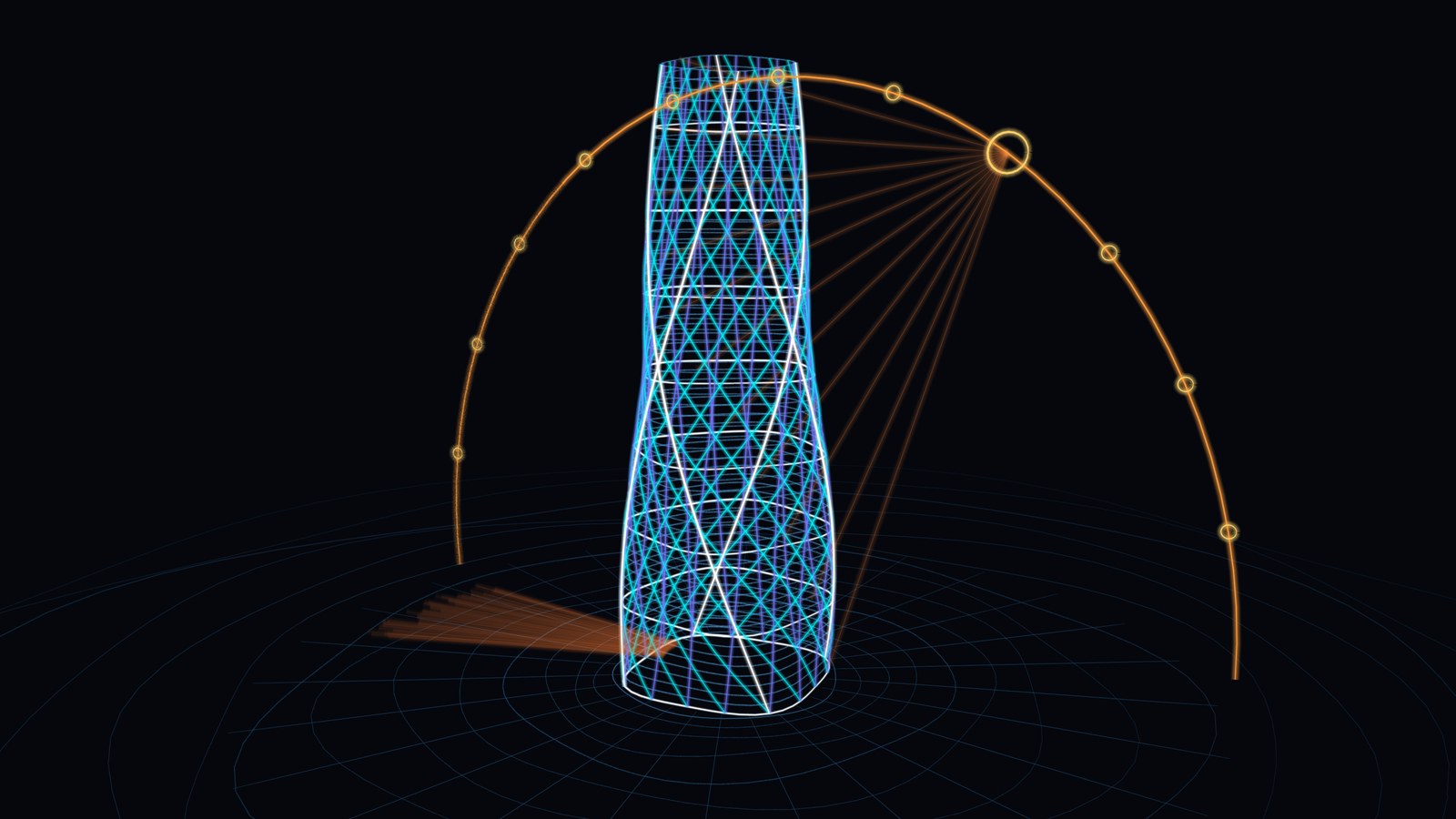
A 2D sketch shows one view. Here each line keeps its place in space, so you can turn the idea round and keep drawing from the new side. Turn and draw on the live example, with nothing to install.
Suppliers and forwarders can show customers where goods are, on their own site, without a map API key or a backend. Here is what goes in on each platform, what it costs the page, and where the honest answer is no.

A viewer built for one screen treats a foldable as a big phone and runs the model straight through the hinge. This one reads the screens your browser reports and gives each a job. Check what it does on your device, then open a sample model.
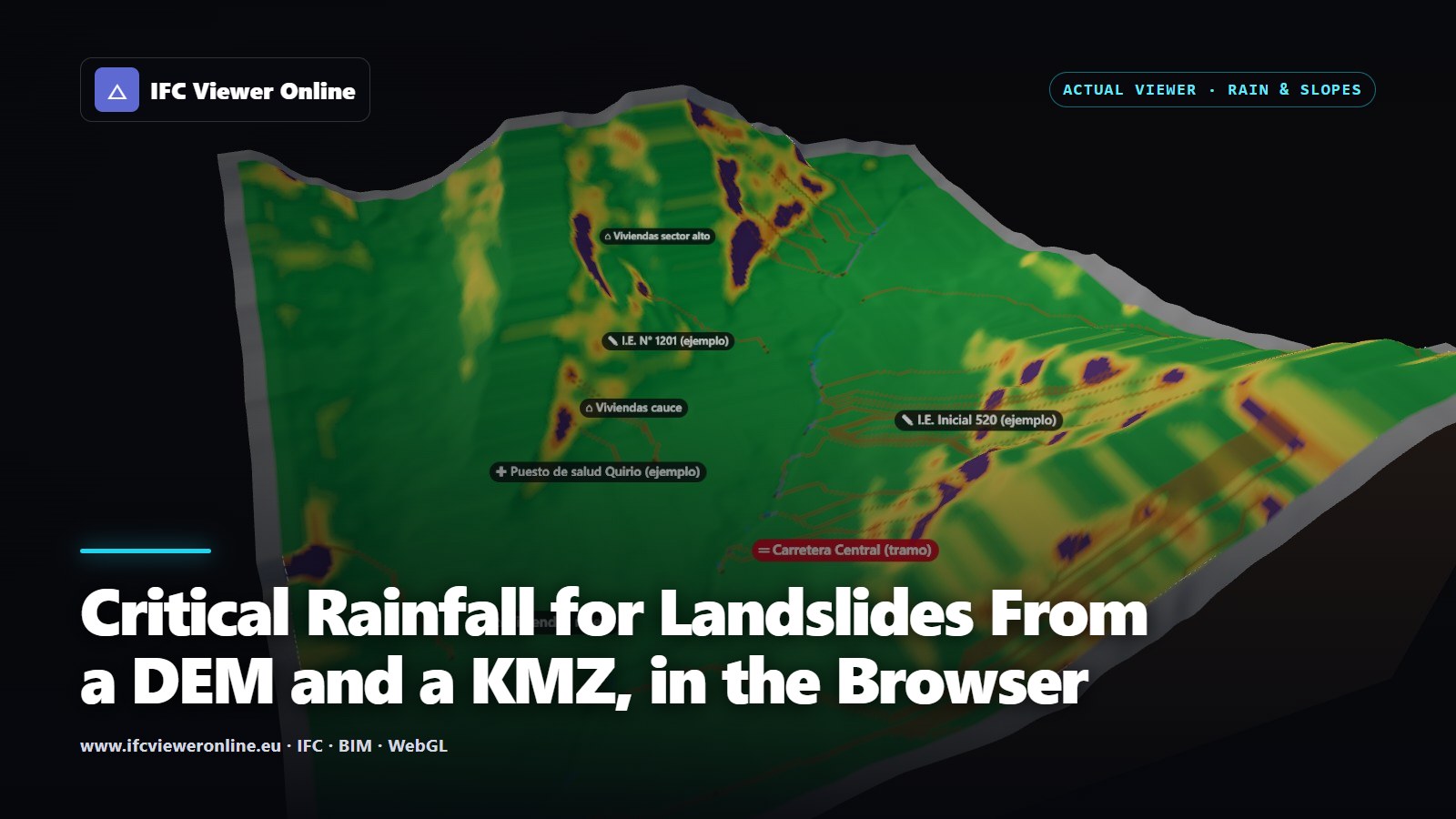
How much rain does it take for a slope above a school to fail? From a terrain model and a KMZ of the study area, the browser computes runoff, the probability of shallow landslides and the likely path of a debris flow as a storm goes on, and gives every home, school, health centre and road its critical rainfall.

An IFC usually carries its own quantities — NetSideArea, GrossVolume, Length — but adding them up naively counts every wall twice and hides the elements that have none. How to take off a selection so the total is one you can price, and how to tell when it is not.

A design review rarely asks "how wide is this corridor?". It asks "is it at least 1.20 m?". Attaching the requirement to the measurement — and seeing pass or fail on the label, in the screenshot and in the export — turns a dimension into a check somebody can act on.

Many volume questions on a project are one area times one height: the screed on a floor, the dig under a pit, the air in a room for an air-change rate. When the model has no quantity for it — or the thing is not modelled at all — tracing the area and giving it a height gets the number in seconds.
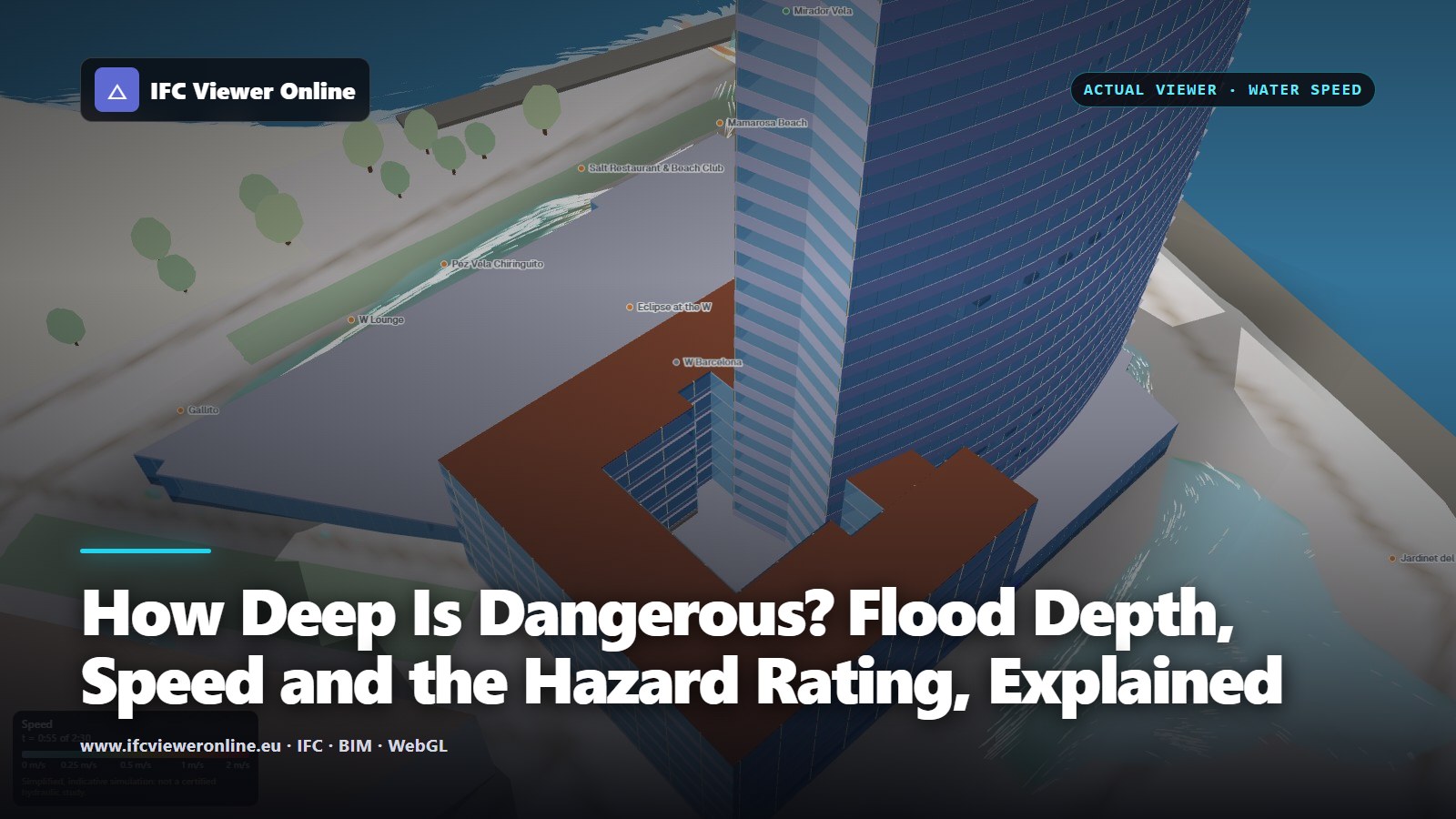
A flood map in shades of blue says how deep the water gets. Whether it is dangerous depends just as much on how fast it moves: 20 cm of standing water calls for caution, the same 20 cm moving at 4 m/s is a danger for most people. The hazard rating used in UK flood work, a calculator, and how to apply it to a simulation.
IFC 4.3 is the release that took IFC out of buildings. Bridges, roads, railways and ports are now first-class facilities, positioned along alignments instead of on storeys. What changed, what it means for the models you receive, and what to check when the first IFC4X3 file lands on your desk.
An .ifc file is plain text you can open in a code editor — and once you know how to read it, half of the mysteries of IFC disappear. The header, the numbered instances, the GlobalId, the relationships that carry properties: here is the format, drawn out.

A shadow study usually means exporting to a render tool and guessing the north angle. A georeferenced IFC already knows where it is and which way is north — so the sun can be placed correctly at any date and time, in seconds, without leaving the browser.

Measuring in a free viewer usually means clicking near a corner and hoping. Snapping to real vertices and edges, measuring through a section, and keeping the dimensions in the screenshot you send is what makes a browser measurement worth quoting.
Orbiting shows you a building as an object. Walking through it at eye height shows you the building as somebody will use it — and it is often the fastest way to find the door that opens into a column. How first-person navigation works on an IFC, and when it helps.

A thirty-second clip of a model does more for a project than a slide of screenshots — if it arrives in the right format. Why the platforms reject WebM, why a vertical crop cuts the building in half, and how to produce an edited MP4 from an IFC without leaving the browser.

Most project images are screenshots with the toolbar cropped out. A model already contains what a good presentation image needs — sections, disciplines, storeys, real north — and a template can turn it into a board, a cover or a coordination view in minutes.
"What changed since last week?" is the question every coordinator asks and almost no IFC tool answers well. Comparing by GlobalId across a whole set of files — not one file against one file — is what turns a diff into a weekly review.
An interactive 3D model in a proposal, a project page, a CDE panel or a Power BI dashboard — with one iframe, no build step, and without uploading the model to anybody's server. What the URL parameters do, and when you need the SDK instead.

There is no single best IFC viewer — the right choice depends on your workflow. Independent comparison of 10 tools across browser vs desktop, validation depth, BCF, IDS, privacy, and large-file handling. Honest strengths and limitations for each.
Solibri remains one of the strongest BIM quality control platforms available. Not every IFC workflow needs its full weight. An honest comparison of Solibri and browser-based IFC validation — when each is the right tool, where they complement each other, and how to decide.

An independent comparison of eight tools on actual checking depth — not just what their marketing says. Includes checking capability table, workflow fit guide, and honest assessments of what each tool does and does not do.

Edit IFC properties free in your browser — nothing uploaded, no Revit needed. Honest guide to every tool: Revit, ArchiCAD, Solibri, BIMVision, and when each one wins.

There are a dozen free browser-based IFC viewers now, and they make very different trade-offs — some upload your file to a server, some cap out at 10 MB, some have no validation at all. Here's an honest comparison to help you pick the right one for the job.
You need to pull property data out of an IFC — quantities, classifications, custom Psets — and into a spreadsheet, a database, or a QA check. IfcOpenShell makes it a few lines of Python. Here's the practical cookbook, including the get_psets shortcut everyone wishes they'd found first.
Loading an IFC into a three.js scene sounds simple until the first 200 MB model freezes the tab for two minutes. The trick the libraries teach is: don't parse IFC at runtime. Here's how web-ifc, Fragments, and a convert-once pipeline actually fit together.
You're 20 minutes from a client call and just received a 200 MB IFC file. No Revit, no Navisworks, no BIM software. Here's how to open, inspect, and validate it before the call ends.
Your structural engineer delivers RVT. Your MEP contractor uses NWD. The client wants IFC. Your PM is asking for DWG drawings. Here's how to navigate the format maze and why open BIM actually matters for delivery.
Most BIM projects still deliver IFC2x3 despite IFC4 being the ISO standard since 2018. Here's what changes with IFC4, when to upgrade, and how to handle the transition without breaking existing tools.