Back to the BIM & IFC blog
Digital twins · 2026-08-27 · 8 min
Warehouse Digital Twin: IFC + Moving LiDAR in the Browser
See a forklift and an autonomous cart move through a dense warehouse point cloud while the IFC stays available as the designed spatial reference.
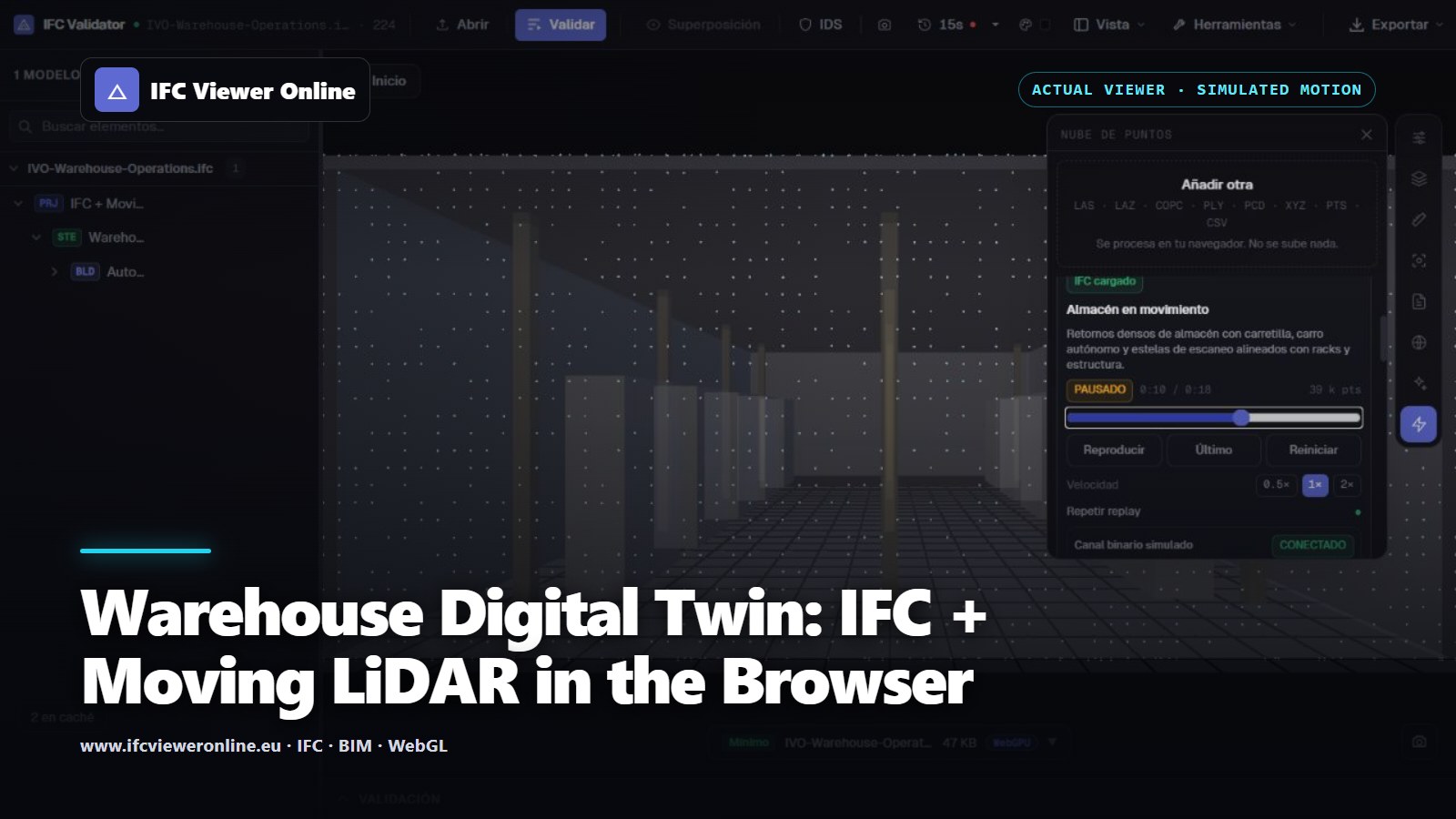 Actual IFC Viewer Online warehouse scene with moving orange forklift returns, cyan autonomous cart points and a translucent IFC reference
Warehouse operations are spatial and temporal at once. A model describes fixed racks, slabs and columns; operational evidence describes vehicles, occupied lanes and changing conditions. An IFC plus a temporal point cloud keeps both layers in one coordinate frame without turning the scan into a flat video.
The example below is designed for a trade-fair screen: it starts from one button, works without venue Wi-Fi and makes movement legible immediately. It is also deliberately honest. The moving returns are simulated from the same dimension table as the IFC, so this is a workflow and performance demonstration rather than a claim about a connected sensor.
Try the moving warehouse live
Warehouse operations — IFC + moving LiDAR
Interactive 18-second replay with roughly 39,000 visible points, a moving forklift, an autonomous cart and the matching IFC4 warehouse.
 Warehouse replay is running — drag to orbit
What is actually moving?
The building shell and rack returns remain stable. The forklift, its mast, an autonomous cart, LiDAR rings and short motion trails are rewritten into the same resident typed arrays on every frame. No new Three.js geometry or GPU buffer is allocated during playback.
| Layer | Purpose | Lifecycle |
|---|
| IFC4 model | Designed warehouse context and inspectable objects | Loaded once; translucent during replay |
| Static returns | Floor, envelope, columns and rack surfaces | One deterministic catalogue |
| Moving returns | Forklift, autonomous cart, scan rings and trails | Updated at 12 FPS in one bounded buffer |
| MCAP recording | Portable timestamped example for adapters | Generated locally at 2 FPS on demand |
Download the reproducible pair
Use the warehouse IFC4 reference with the representative PLY snapshot. Both originate from the same declared dimensions. The PLY header states that it is synthetic and names its companion IFC.
Performance choices for a useful operations view
- Keep the frame capacity fixed so a slow GPU cannot cause memory growth.
- Prefer newest-valid-frame-wins to an ever-growing queue; operational latency matters more than replaying stale frames.
- Filter and voxelize at the edge for real deployments, then send only the attributes the user can inspect.
- Pause hidden sources and reuse materials, geometry and typed arrays.
- Keep the IFC independently visible so users can move from an impressive animation to an actual spatial question.
From this demo to a real warehouse feed
A physical deployment needs sensor timestamps, a calibrated sensor-to-site transform, edge filtering and an adapter into the same frame contract. The user interface should then replace the simulated badge with a source status only when those facts are known. WebSocket or WebTransport is the delivery choice; neither fixes poor registration or an unbounded browser queue.
For the lower-level packet and buffering design, see Real-Time LiDAR in a Web Digital Twin. For a measured static comparison, start with IFC + point-cloud Scan-to-BIM alignment.
Warehouse Digital Twin: IFC + Moving LiDAR in the Browser