Back to the BIM & IFC blog
Tools & comparisons · 2026-11-01 · 6 min
3D Sketching Online: Draw in 3D Space with a Pen or Finger, in the Browser
A 2D sketch shows one view. Here each line keeps its place in space, so you can turn the idea round and keep drawing from the new side. Turn and draw on the live example, with nothing to install.
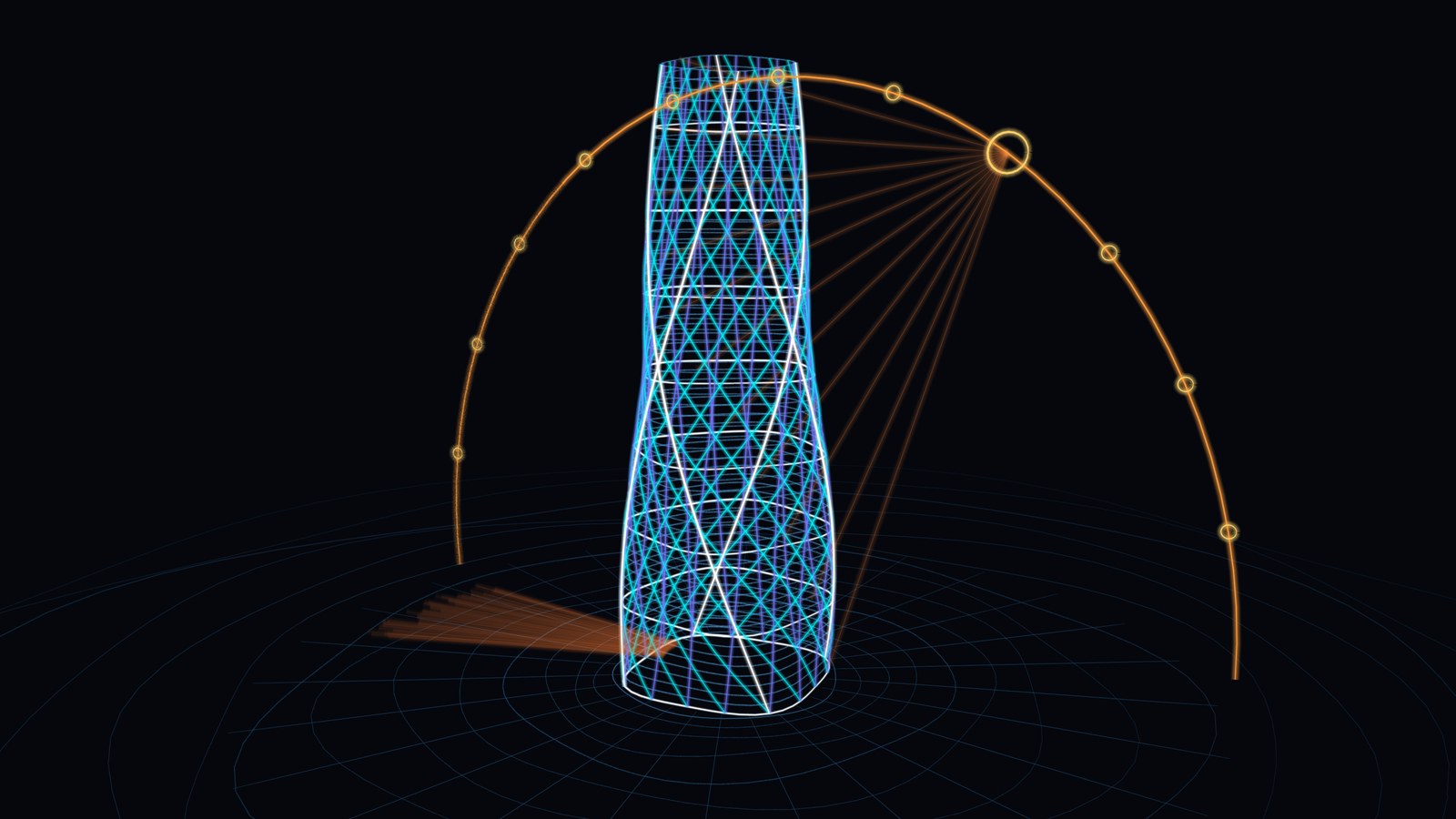 Twisting tower with a glowing diagrid and the path of the sun, drawn as 3D lines on a black background
Paper fixes your viewpoint before you start. If the idea needs seeing from the side, you draw it again. In 3D sketching each line keeps its place in space, so you turn the drawing and carry on. Try it below: it is the real engine, not a video.
Turn this tower, then draw on it
It replays line by line. Drag to turn it, press Draw to add your own lines, and try a filter. Nothing you do here is stored.
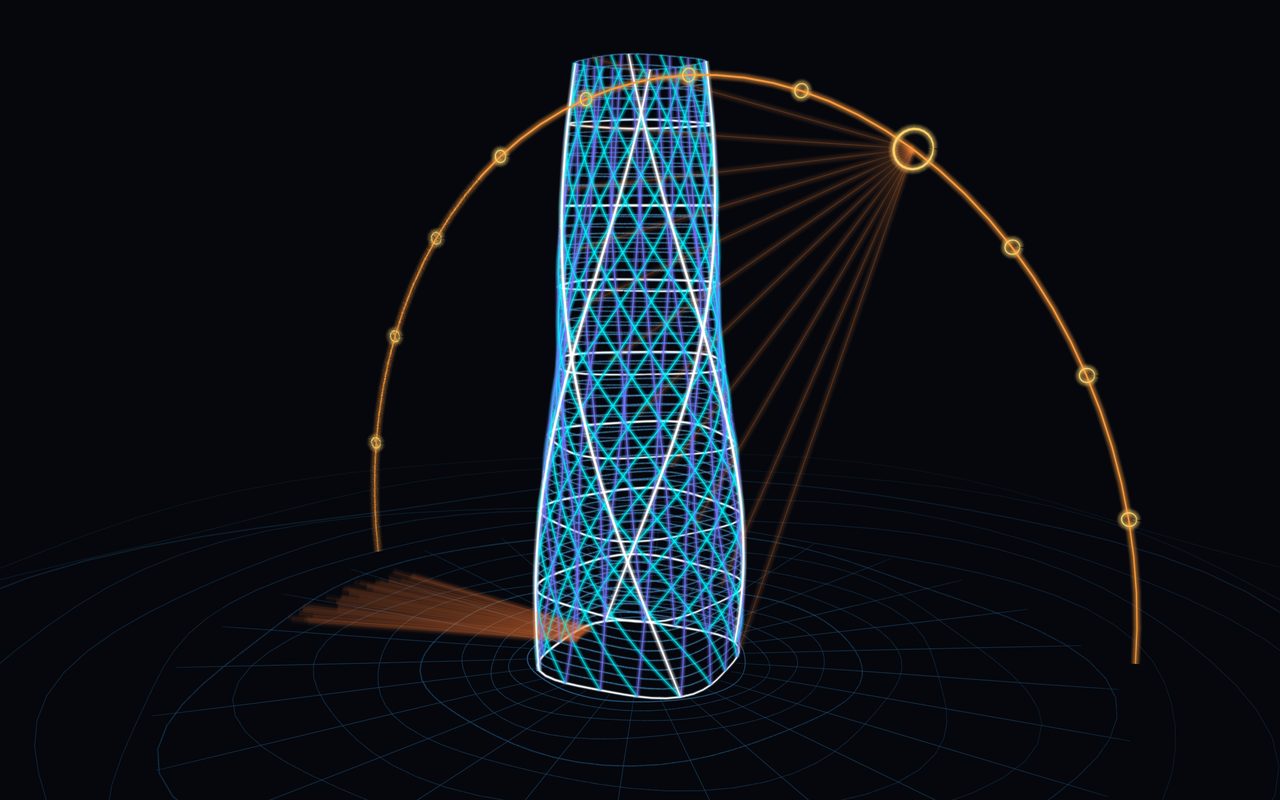
Open in the studio
Key takeaways
- Every line stays in 3D: turn the view and it holds its place.
- You draw on a plane you can move, so depth stays under control.
- Pressure, stabilizer, layers, blend modes and filters are all there.
- It runs in the browser, and the drawing stays on your device.
How drawing in 3D stays under control
A pen moves in two dimensions, so something has to supply the third. That something is the drawing plane, and most of the studio's touch design is about making it quick to place.
- Pick a plane, or leave it on Auto Ground, front or side are one press away. On Auto, each stroke lands on the plane that faces you most.
- Start from a line you already drew A stroke that begins at the end of another line carries the plane to that point, so the next wall grows from the corner.
- Turn with two fingers Two fingers either orbit or pinch, never both in one gesture. Home brings you back if you get lost.
 Three saddle roofs from straight lines, with pencil and a multiply marker layer. Plotted by code in the studio's engine.
The line: what happens between pen and screen
The studio reads pressure and tilt through Pointer Events[pointer], applies your pressure curve, then steadies the line with a stabilizer of the kind Krita and Clip Studio offer. Hold still at the end of a stroke and it snaps to a straight line, an ellipse or a rectangle. A pen with no pressure sensor, or a finger, uses speed instead.
 The real studio at a tablet's size, emulated in Chromium: tools, plane bar, four layers, blend modes and filters.
Layers and filters, without losing the 3D
Each layer has opacity, a blend mode and filters: hue, saturation, brightness, soft edge, grain, glow and duotone. They never touch the lines, so you can change them at any time, and they follow the drawing as it turns.
 One drawing, six looks. Top: no filter, Blueprint, Wash. Bottom: Chalk, Neon, Faded.
Where it fits among 3D sketching tools
This is not a new category: Feather[feather] is a dedicated 3D sketching app, and Penzil[penzil] showed the idea in a browser years ago. What sets this one apart is what sits next to it: the same site opens IFC building models, so you can sketch over a real project.
| Export | Opens in | Keeps |
|---|
| PNG or a share card | Anywhere, Instagram Stories, LinkedIn | The look, filters included |
| PSD | Apps that read PSD | Layers, opacity, blend modes, baked filters |
| OpenRaster (.ora) | Krita, GIMP | Layers, opacity, blend modes, baked filters |
| SVG | Vector editors | Lines and blend modes, not filters |
| Blender script (.py) | Blender | Strokes as 3D curves, not filters |
What we have and have not tested
We tested the studio in Chromium with synthetic pen and touch input at phone, foldable and tablet sizes. The Blender script ran in Blender 4.5, and the PSD and OpenRaster files were read by other software. We have not yet tried it with physical pens or on physical devices, so gesture thresholds may need adjusting.
3D Sketching Online: Draw in 3D Space with a Pen or Finger, in the Browser