Back to the BIM & IFC blog
Digital twins · 2026-10-10 · 7 min
LOD in BIM vs CityGML: Two Scales That Share a Name
Ask for "LOD 2" and you may get a block with a pitched roof or a generic wall, depending on who reads it. CityGML's levels of detail and BIM's levels of development share an acronym and little else. What each scale means, how they line up, and how to write a requirement nobody can misread.
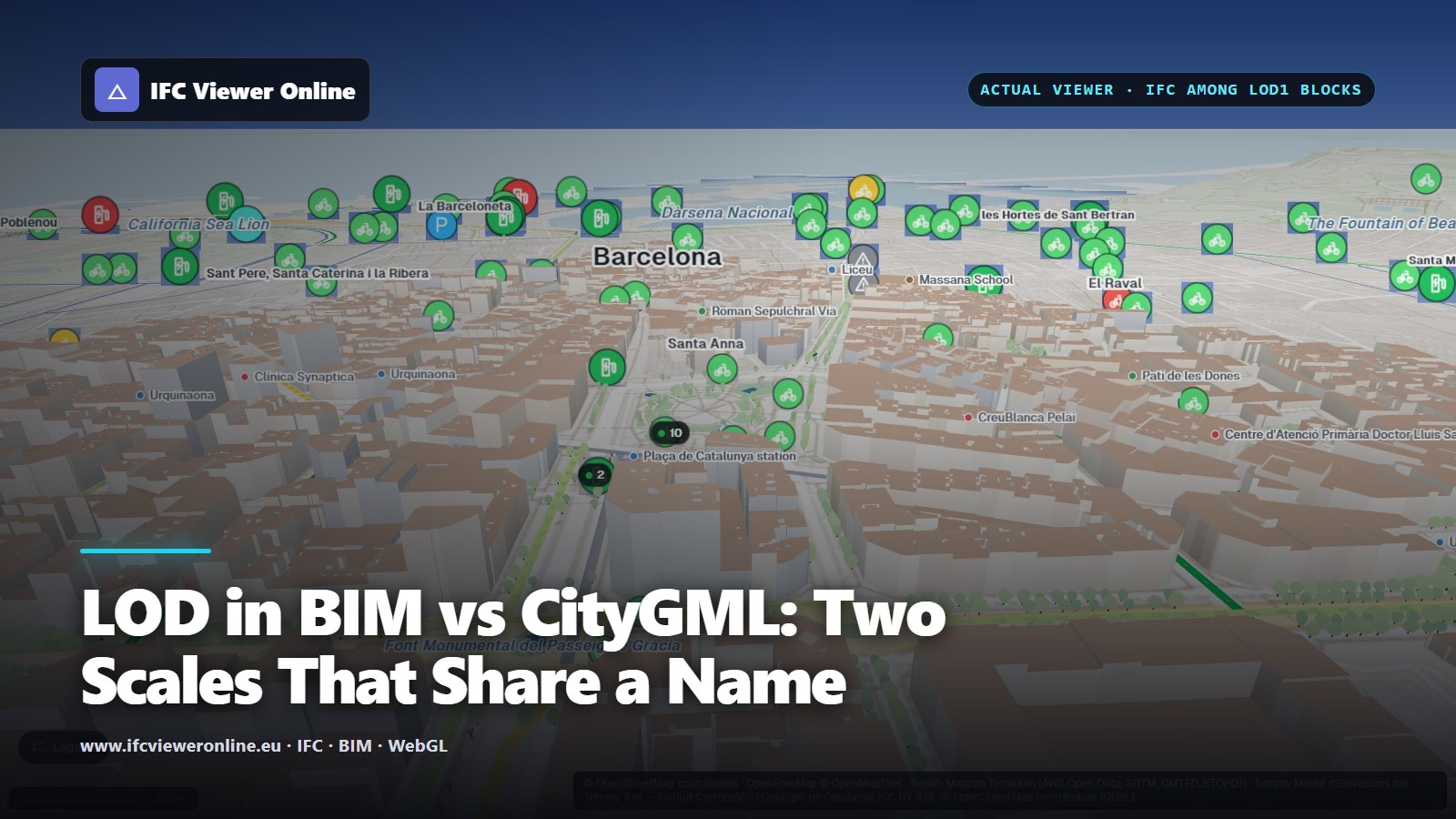 Plaça de Catalunya from above in IFC Viewer Online: detailed IFC models of the fountains and monuments among the OpenStreetMap buildings around the square
Two professions say "LOD" and mean different things. In city modelling, LOD is the Level of Detail: how much geometry a city object has, from a footprint to a façade with windows. In BIM, LOD is the Level of Development: how far the design of one element has been resolved, and so how much the next person can rely on it.
The two meet in every digital twin of a place: a city model for the surroundings, BIM for the assets that matter. A requirement that just says "LOD 2" can be read either way, and somebody will read it the wrong way.
Key takeaways
- CityGML LOD (0–3 in version 3.0) measures the geometry of a city object. BIM LOD (100–500) measures how resolved an element's design is.
- They do not map one-to-one. A CityGML LOD3 building has windows; a BIM LOD 300 window has an exact size and position. Different questions.
- ISO 7817-1 (level of information need) replaces a single LOD number with geometry, information and documentation set per purpose.
- A city twin usually mixes both: LOD1–2 context from open data, and IFC models for the assets the live data binds to.
 Same acronym, different axes: the geometry of a city object above, the design resolution of a BIM element below.
LOD in CityGML: how much geometry
| Level | What a building looks like | Typical source |
|---|
| LOD0 | A footprint or roof outline, flat | Cadastre, base maps |
| LOD1 | A block: the footprint extruded to one height | Footprints plus a height from a survey or OpenStreetMap |
| LOD2 | Roof shapes and wall surfaces | Airborne laser scanning or photogrammetry |
| LOD3 | Openings, overhangs and façade detail | Detailed survey or design models |
CityGML 3.0[citygml] keeps four levels. Version 2.0 had a fifth, LOD4, for interiors; 3.0 removed it and lets interiors appear at any level, so a building can have a LOD1 shell with LOD2 rooms. Many datasets and tools still describe the five-level scheme, so check which version a requirement means.
LOD here is about geometry only. Attributes — use, height, year of construction — can be attached at any level.
LOD in BIM: how far the design is resolved
| Level | The element is… | Rely on it for |
|---|
| LOD 100 | A symbol or a mass standing in for it | Area, volume and cost studies |
| LOD 200 | A generic element with approximate size and position | Early coordination; nothing is final |
| LOD 300 | A specific element with exact size, shape and position | Coordination and setting out |
| LOD 350 | LOD 300 plus its interfaces with other elements | Trade coordination: supports, connections, clearances |
| LOD 400 | Detailed enough to fabricate and install | Fabrication and assembly |
| LOD 500 | Verified on site | As-built record; not more geometry |
The BIMForum specification[bimforum] defines LOD 100 to 400, with 350 added for trade coordination, and leaves LOD 500 out on purpose: it is about field verification, not a higher level of geometry or information. The level applies to each element: one model can hold LOD 400 steelwork next to LOD 200 furniture.
How the two compare
Only loosely, and only for the building envelope:
| CityGML | Closest in BIM | Why it is not the same |
|---|
| LOD1 block | LOD 100 building mass | Both are massing, but LOD 100 is a design intent and LOD1 a survey of what stands. |
| LOD2 roof and walls | LOD 200 envelope | CityGML LOD2 has no wall thickness, layers or openings. |
| LOD3 façade | LOD 200–300 façade elements | CityGML describes the surfaces of a city object; BIM describes each window, wall and slab as an element. |
The deeper difference is the unit. CityGML gives a level to a city object — a building, a bridge. BIM gives a level to each element of it. That is why converting between the two always loses something, in one direction or the other.
LOIN: what ISO 19650 uses instead
ISO 7817-1:2024[iso7817], which supersedes EN 17412-1 in Europe, replaces the single number with a level of information need. For each purpose, milestone and actor it sets three things:
- Geometrical information: detail, dimensionality, location, appearance and parametric behaviour.
- Alphanumerical information: the properties each object must carry, and what they are called.
- Documentation: the drawings, manuals and certificates that go with it.
The alphanumerical part is the one you can check automatically: an IDS file states which properties each class must have, and a checker tests the model against it. See the IDS guide and the ISO 19650 IFC checklist.
What a city twin needs from each
The Barcelona twin is a fair example of the mix. The buildings around the square come from OpenStreetMap as extruded blocks — roughly LOD1, which is all the context needs. The assets that carry live data are IFC models resolved to the element: the Bicing station has its 21 dock posts as separate parts, because the live feed colours each of them.
So the useful requirement is not a single LOD but which elements must exist individually, with what identity and which properties, for the data you will bind to them. The scene is described in the Barcelona open-data twin, and the wider picture in what an urban digital twin is.
Writing a requirement nobody can misread
- Name the scale: "CityGML 3.0 LOD2" or "BIMForum LOD 300", never a bare "LOD 2".
- Say what it applies to: which city objects, or which element classes.
- Separate geometry from information: the properties go in an IDS file, not in a LOD number.
- Tie it to a purpose and a milestone, as ISO 7817-1 does: "LOD 300 for coordination at design freeze" says more than "LOD 300".
LOD in BIM vs CityGML: Two Scales That Share a Name