IFC Viewer Online · Back to the BIM & IFC blog
Delivery & ISO 19650 · 2026-11-14 · 6 min
Tell Each Subcontractor Only What Changed for Them
A new architectural revision has 41 changes; the services trade cares about six. Emails that tell each subcontractor only what changed for them, what fails in their delivery and which issues are due, each with a view and a date.
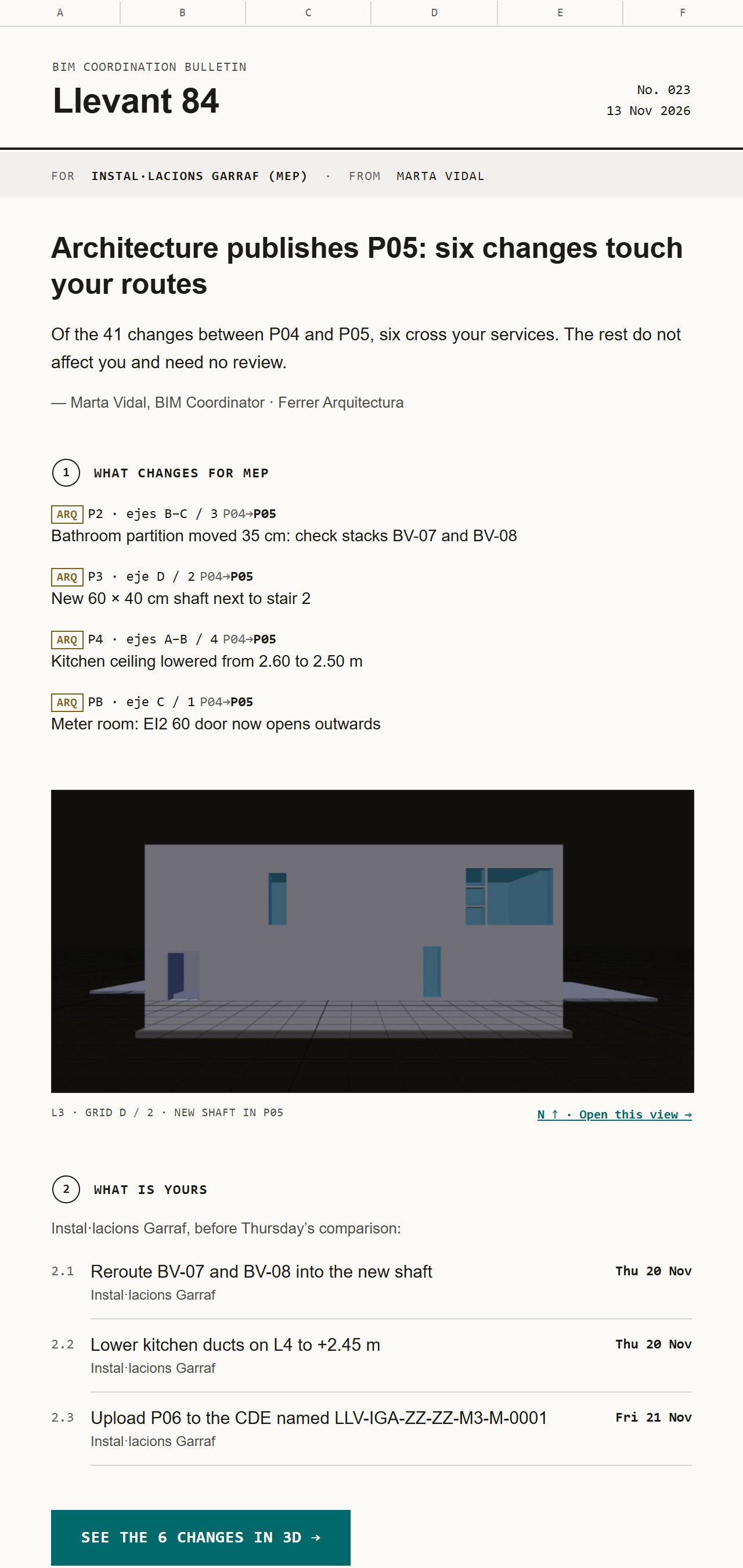 Email to the MEP subcontractor: architecture publishes P05 and six changes touch their routes, with a model view and three actions due
Architecture publishes revision P05. Between P04 and P05 there are 41 changes: partitions moved, a ceiling lowered, a new shaft, a door turned. The usual email says "P05 is on the CDE, please review". The services subcontractor opens the model, looks for what changed, finds some of it, and the rest turns up as clashes three weeks later.
Key takeaways
- Send each trade only the changes that touch their work, with a location (level and grid) and an action.
- Say who it is for at the top, so the reader knows it is theirs.
- Put the deadline next to each action, and one button to the model view.
- Use the same pattern for failed requirements and for BCF issues due.
A new version, filtered for one trade
The version email starts from the trade, not from the revision. "Of the 41 changes between P04 and P05, six cross your services. The rest do not affect you." Then each change with its place: level, grid, what moved and what it means for them ("check stacks BV-07 and BV-08"). Then what is theirs, with dates, and the name the next delivery must have in the CDE.
Template rendered by the product with sample data. Sending is switched off.
Failed requirements, without a 40-page report
When a delivery fails the project's information requirements, the trade needs three things: which requirement, on how many elements, and an example they can find. Not the whole report. The reminder shows the score of their delivery against the IDS file, each failing requirement with its IFC entity and an example GUID, and the redelivery date.
The same check runs for free in the viewer today: the subcontractor can open their own model and see what fails before sending it. On the receiving side, checking what arrives is part of the Reception preview.
 Template rendered by the product with sample data. Sending is switched off.
Issues due this week, each with its view
The clash and BCF summary goes to trades and coordinators together. It lists open clashes by discipline pair and the BCF issues due this week: discipline, reference, status, title, place, owner and date. Every issue is one tap away from its view in the model. See also shared BCF issues for small teams.
Five rules for emails trades act on
- Their name in the "For" line. A trade ignores emails addressed to "all".
- A location for every change: level and grid, not "in the east wing".
- One action per line, one date per action.
- The ISO 19650 name their next delivery must have, written out in full.
- No attachments: one link to the model at the right view.
Project mail is in preview. If you coordinate a project and write these emails every week, join the waitlist and we will open it to you first. [ivo-pricing]
Tell Each Subcontractor Only What Changed for Them